









Forgot your Instagram password? Don't worry! You can regain access in several ways, whether you're still logged in or have been signed out. In this guide, we will explain how to change your password from the Instagram app or website, reset it when you can't log in, find a saved password on your device, and access your account through Facebook.
- Part 1. What to Do If You Forgot Instagram Password?
- Part 2. How to Change Instagram Password If You Forgot It [When Logged In]
- Part 3. How to Reset Password on Instagram If You Forgot It [When Logged Out]
- Part 4. How to Log Into Instagram If You Forgot Your Password
- Part 4. Conclusion
Part 1. What to Do If You Forgot Instagram Password?
Whether you want to change your Instagram password but forgot the current one, or want to log into Instagram but forgot the password, first check whether it's already saved on your device. Your browser or password manager may have stored your login details, allowing you to get back in without creating a new password.
If you can't find a saved password or the saved Instagram credentials are not valid, then you may consider changing or resetting the password for Instagram. In the following sections, we will show you how to change your Instagram password when you are still logged in and how to reset your Instagram password when you are logged out.
Part 2. How to Change Instagram Password If You Forgot It [When Logged In]
If you are still logged in to the Instagram app or Instagram website on your phone or desktop, you can change the forgotten password in Instagram's Accounts Center.
Option 1. Change Instagram Password in App
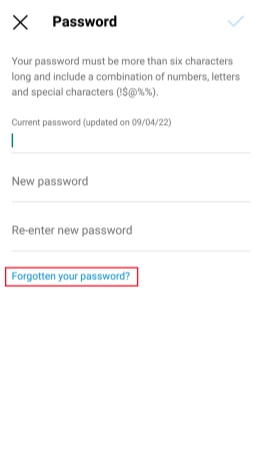
Step 1. Open Instagram on your phone and tap the profile icon at the bottom.
Step 2. Tap the hamburger icon and tap Accounts center.
Step 3. Tap Password and security > Change password.
Step 4. Tap Forgot your password? and follow the instructions to reset your Instagram password.
Option 2. Change Instagram Password on Website
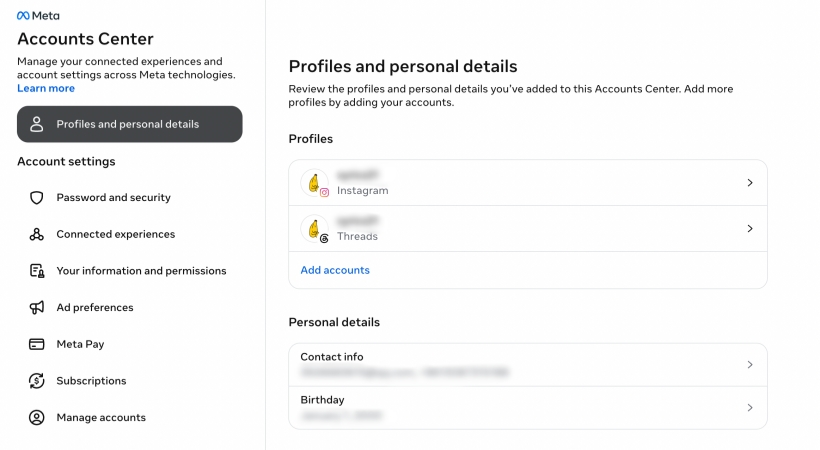
Step 1. Open the Instagram Accounts Center website.
Step 2. Click Password and security > Change password.
Step 3. Choose your Instagram account and click Forgot your password?.
Step 4. Follow the prompts to reset your forgotten Instagram password.
Part 3. How to Reset Password on Instagram If You Forgot It [When Logged Out]
If you want to log in to your Instagram account but forgot the login credentials, you are allowed to reset the password from the login screen. After resetting the password, you can log in with the new password.
Option 1. Reset Instagram Password in App
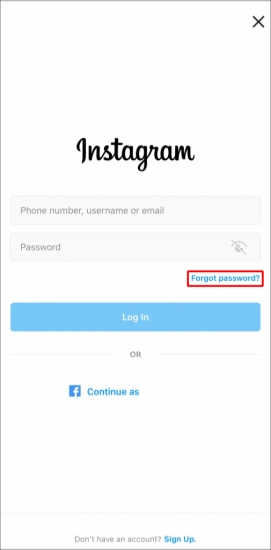
Step 1. Open Instagram on your phone.
Step 2. Tap Forgot password? on the Login screen.
Step 3. Enter your Instagram username, email, or phone number, then tap Continue.
Step 4. You will receive an email or SMS message from Instagram. Open the link in the message and follow the prompts to reset your Instagram password.
Option 2. Reset Instagram Password on Website
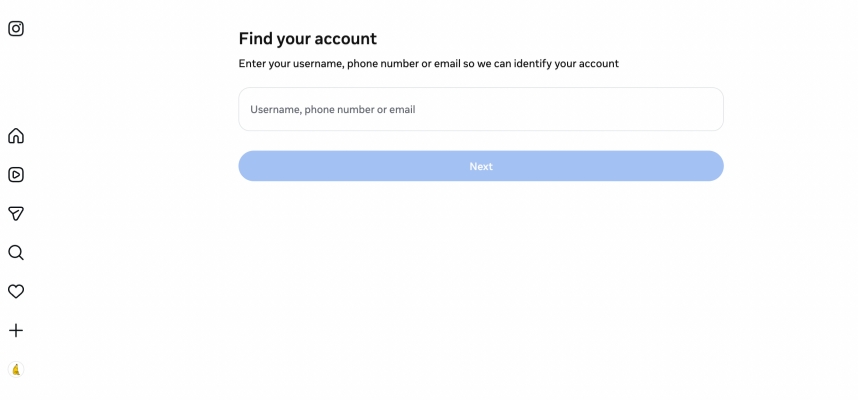
Step 1. Open the Instagram Password Reset website.
Step 2. Enter your email, phone number, or your user name for Instagram.
Step 3. Click Next or Continue, then Instagram will send you the password reset link via email or SMS message.
Step 4. Check your email inbox or Messages inbox, and open the password reset link.
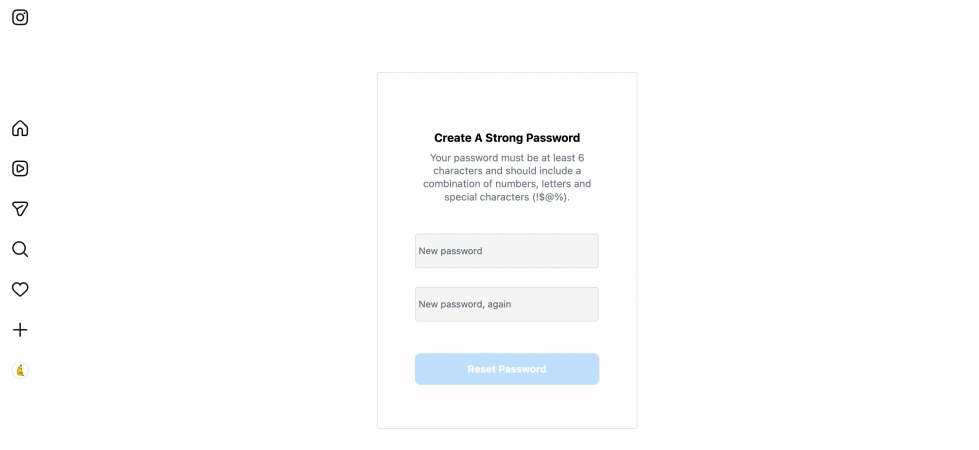
Step 5. Create a new Instagram password and click Reset Password to reset it.
Part 4. How to Log Into Instagram If You Forgot Your Password
If you have linked your Instagram account with a Facebook account, you are allowed to log in to either account with each other. So when you forgot the Instagram password, you can still get into using your Facebook account.
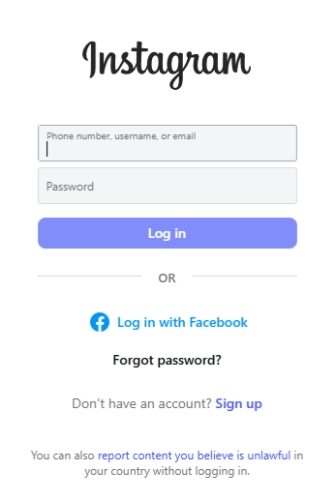
Step 1. Open the Instagram app or website on your device.
Step 2. Choose Log in with Facebook and enter your Facebook credentials.
Step 3. Enter the verification code you receive and tap Continue.
Part 5. Conclusion
If you forgot your Instagram password, first check whether it is saved in your device's password manager or browser. If you're using an iPhone, MagFone iPhone Unlocker can also help scan for saved Instagram account information on the device. If you still can't find your password, reset it through the Instagram app or website, or try logging in with your Facebook account.

Dylan Jones
Editor in chief




