








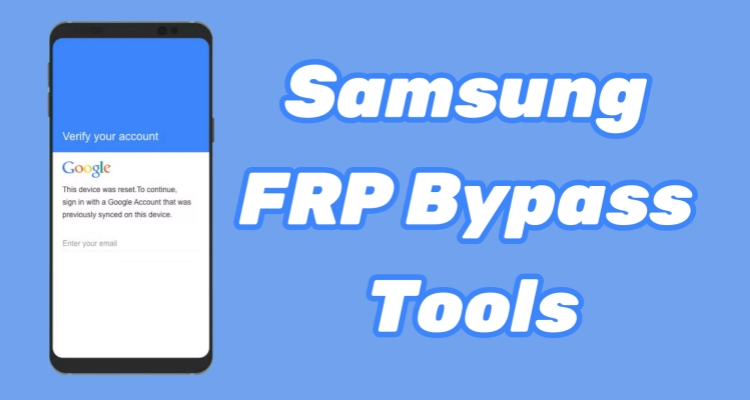
Getting locked out of a Samsung phone after a factory reset can be frustrating, especially when the Google account linked to the device is no longer accessible. This situation often happens with forgotten credentials or second-hand phones still tied to a previous owner. Fortunately, specialized Samsung FRP tools offer effective ways to bypass the verification screen and regain access. In this review, we explore the most reliable Samsung FRP bypass tools in 2026 and highlight the solutions that make unlocking faster and easier.
- Part 1. What Is Samsung FRP Bypass Tool?
- Part 2. Best Samsung FRP Bypass Tool
- Part 3. Top Samsung FRP Bypass Tools
- Part 4. Conclusion
Part 1. What Is Samsung FRP Bypass Tool?
A Samsung FRP bypass tool is software designed to remove Google account verification after a factory reset when a user cannot access the original account credentials. Below are additional questions and answers related to Samsung FRP bypass tools.
01How Samsung FRP Bypass Tools Work
A Samsung FRP bypass tool works by bypassing the Google account verification step that appears after a factory reset. Normally, Android's Factory Reset Protection requires the previously synced Google account to confirm ownership. These tools use methods such as ADB commands, firmware modifications, system loopholes, or temporary access permissions to remove or skip the verification screen. Once finished, you can add a new Google account and access the phone normally.
02Is Samsung FRP Bypass Tool Legit?
Yes, Samsung FRP bypass tools can be legitimate when used for lawful purposes. Many users rely on them when they forget their Google account credentials or purchase a second‑hand device still linked to the previous owner. However, legitimacy also depends on how the tool is used. It should only be applied to devices you own or have permission to unlock; it may violate terms of service or local regulations.
03Is Samsung FRP Bypass Tool Safe?
The safety of a Samsung FRP tool depends largely on where it is downloaded and how it operates. Tools provided by trusted developers or official websites are generally safer because they undergo regular updates and security checks. On the other hand, downloading unknown APK files from random websites may expose your device or computer to malware. Always scan files and verify the source before installation.
04Is Samsung FRP Bypass Tool Free?
Some Samsung FRP bypass tools are completely free, while others offer both free and paid versions. Free tools often provide basic unlocking features but may lack compatibility with newer Samsung models or recent Android versions. Paid tools usually provide more stable performance, broader device support, and technical support services, which can increase the overall success rate of FRP removal.
05How to Choose a Samsung FRP Bypass Tool
Selecting the right FRP unlock tool for Samsung devices requires careful evaluation of several factors:
- Device compatibility – Ensure the tool works with your exact Samsung model and version.
- Ease of use – A good tool should provide clear instructions and a straightforward interface.
- Success rate – Reliable software typically has higher success rates and fewer technical issues.
- Security – Download tools from trusted websites to avoid malware or data risks.
- Customer support – Tools with technical support and regular updates are usually more reliable for long-term use.
Part 2. Best Samsung FRP Bypass Tool
When it comes to the "Gold Standard" of FRP removal in 2026, MagFone Android Unlocker stands out as the premier choice. Unlike generic tools that often fail on the latest security patches, MagFone offers a specialized engine tailored specifically for Samsung's unique architecture. It stands out due to its incredibly high success rate, a streamlined three-step procedure that requires zero technical skill, and full support for the latest Samsung devices.

MagFone Android Unlocker
Remove multiple kinds of screen locks on over 5000 Android devices and delete Google FRP lock without a password.
Step 1 Connect Samsung Phone and Launch MagFone
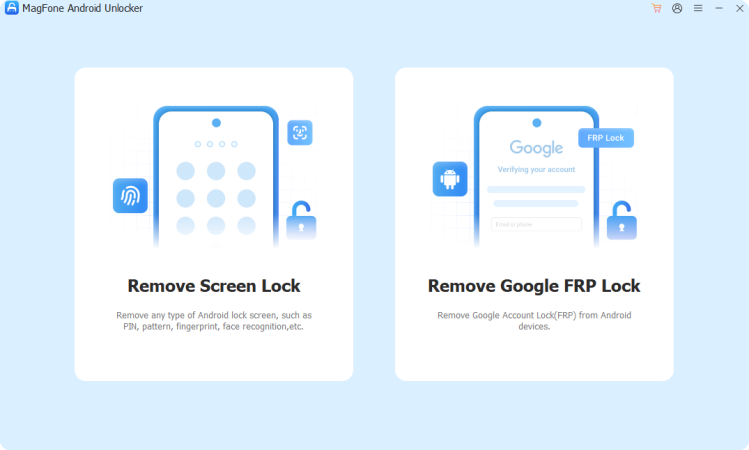
Start by connecting your Samsung phone to your computer using a USB cable. After installing MagFone Android Unlocker, open the program and select the Remove Google FRP Lock option from the main interface to begin the unlocking process.
Step 2 Select the Device Brand and Android Version
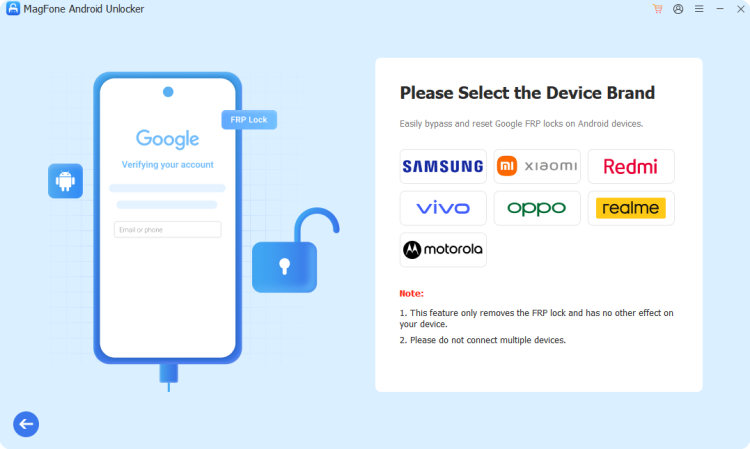
Allow the software to detect your connected device automatically, or manually choose Samsung if needed. Next, pick the correct Android version for your phone from the list displayed on the screen. Click Start and then confirm the operation by selecting Continue.
Step 3 Remove FRP Lock on Samsung Phone
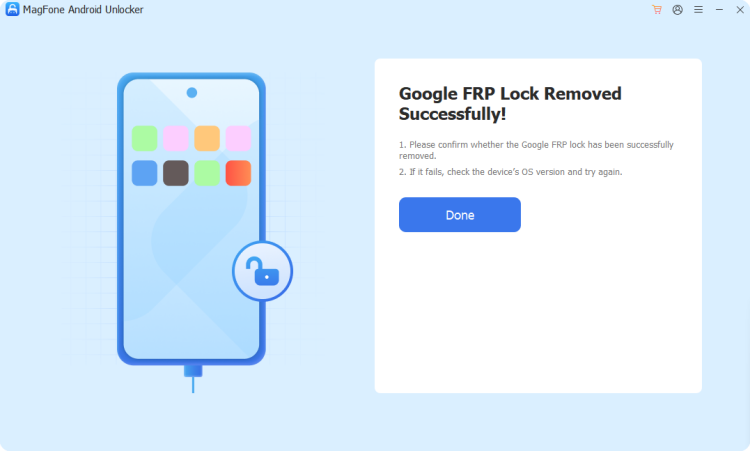
Follow the instructions displayed by the software to operate your Samsung device correctly. Once the process begins, the tool will work to bypass the Google verification lock. After the procedure finishes, click Done, and your Samsung device will be ready for normal setup again.
Part 3. Top Samsung FRP Bypass Tools
Some users prefer manual approaches instead of installing a Huawei FRP tool apk or desktop program. These methods typically exploit accessibility features or system shortcuts. However, they are often patched in newer security updates and may not work consistently in 2026, especially on devices running newer EMUI builds.
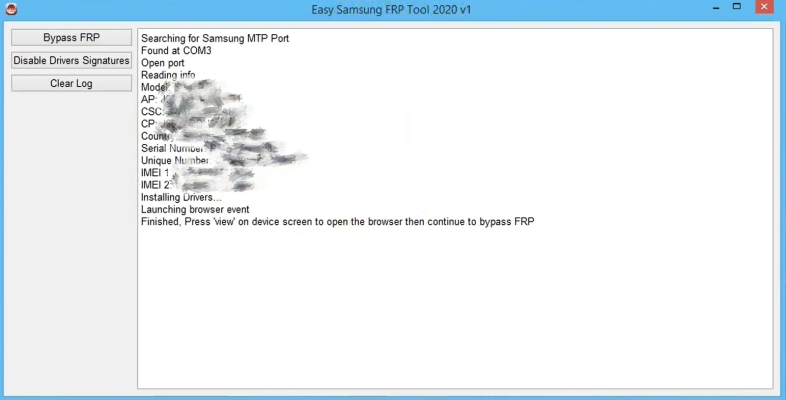
01Easy Samsung FRP Tool
Easy Samsung FRP Tool is a lightweight desktop program designed specifically to bypass Google account verification on Samsung devices. It is widely used because of its straightforward interface and simple workflow. Many users prefer this tool when they need a quick solution without installing complicated flashing utilities or advanced system software.
 Pros
Pros- Lightweight and simple interface
- Free to use
- Supports Android 9+

- Limited advanced features
- Requires updated drivers
- Only available for FRP bypass
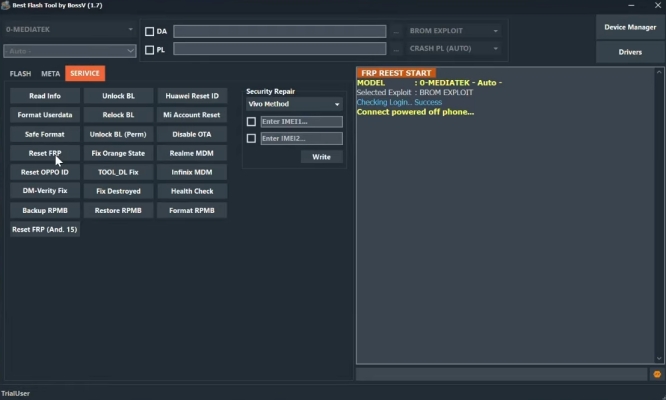
02Best Flash Tool
Best Flash Tool is a multi-purpose Android flashing utility that also includes FRP bypass capabilities. It supports different chipsets and can repair firmware problems while removing the Google account lock. Because it combines flashing and unlocking features, it is often used by technicians who repair Android phones regularly.
 Pros
Pros- Multi-function bypass tool
- Supports multiple Android brands
- Wide Android version compatibility
- Requires technical knowledge
- Complex interface
- Risk during flashing
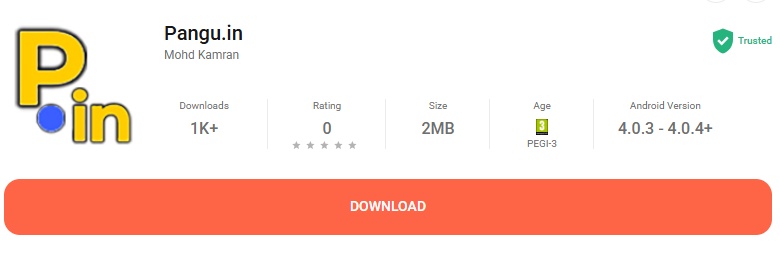
03Pangu FRP Bypass Tool
Pangu FRP Bypass Tool is a well-known solution that works through an APK installation method. Unlike many PC-based tools, it can sometimes bypass FRP without connecting to a computer. It supports several Android brands, including Samsung, and is commonly used on devices running older Android versions.
 Pros
Pros- Works without a PC
- Free APK download
- Multi-brand compatibility
- Complicated installation steps
- Needs OTG cable
- Lower success rate
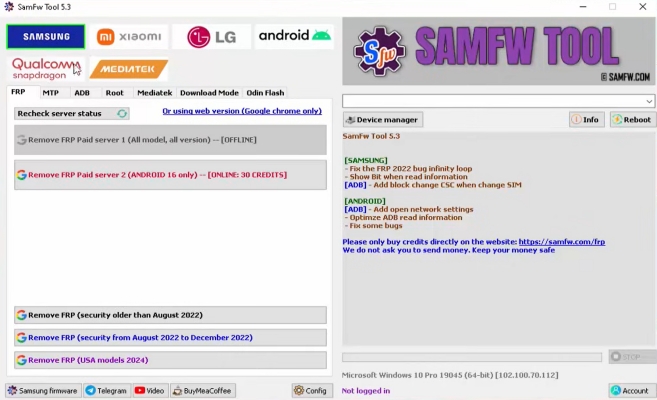
04SamFw FRP Tool
SamFw FRP Tool is one of the most popular Samsung FRP unlock utilities available today. It supports a wide range of Samsung devices and Android versions. In addition to bypassing Google account verification, the tool can also help users exit download mode, fix software problems, and perform basic system troubleshooting.
 Pros
Pros- Wide Samsung compatibility
- Free basic functions
- Extra system repair features
- Windows only
- Occasional software errors
- Some features paid
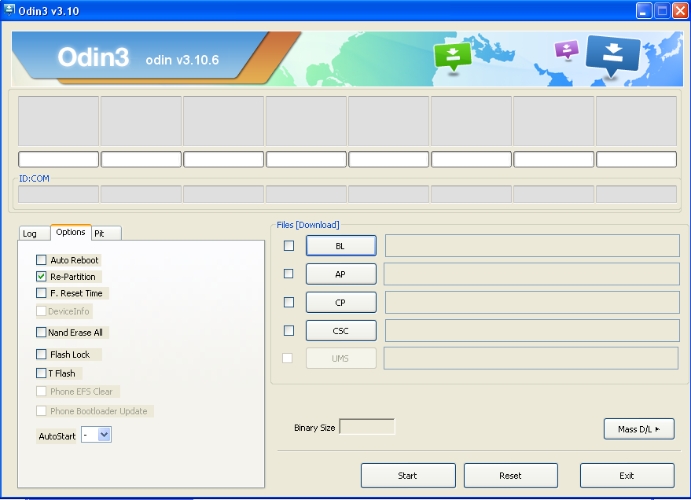
05Odin Bypass Tool
Odin is an official firmware flashing utility used for installing system files on Samsung devices. While it was originally designed for firmware updates and recovery operations, it can also help remove FRP locks when combined with specific firmware packages. However, the method is more technical compared to modern automated tools.
 Pros
Pros- Official Samsung utility
- Free to use
- Useful for firmware repair
- Complicated procedures
- Not beginner-friendly
- Limited new device support
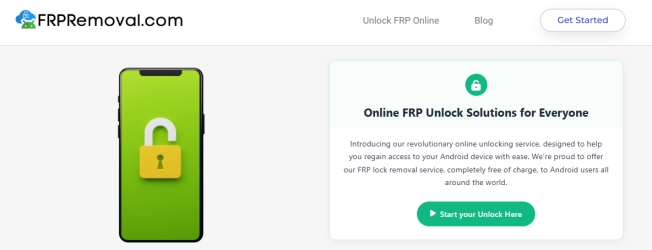
06FRPRemoval
FRPRemoval is an online-based FRP unlocking service that removes Google verification remotely. Instead of installing software, users submit their device information such as model number and IMEI. The service then generates a temporary login solution that helps bypass the FRP lock and restore device access.
 Pros
Pros- Online unlocking solution
- No software installation
- Supports many devices
- Requires IMEI submission
- Needs a stable internet
- Possible service delays
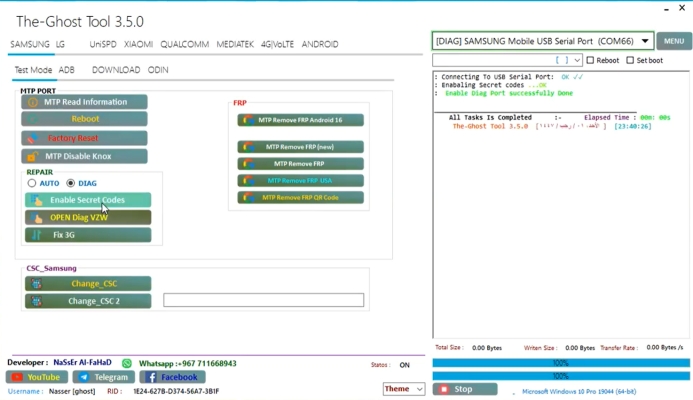
07The Ghost Tool
The Ghost Tool is another desktop FRP unlocking utility designed for Android repair technicians. It includes various features such as device unlocking, FRP removal, and firmware troubleshooting. Because it integrates several repair tools in one package, it is often used in professional phone repair environments.
 Pros
Pros- Multiple repair functions
- Supports many Android devices
- Useful technician toolkit
- Complex user interface
- Learning curve required
- Limited official support
08FRP Bypass APK
FRP Bypass APK is one of the simplest methods to remove Google account verification on Android devices. Users install the APK directly on the locked device and follow instructions to bypass the verification process. It is popular among users who want to avoid using a computer.
 Pros
Pros- No computer required
- Free to download
- Simple unlocking method
- Requires OTG setup
- Installation complexity
- Potential security risks
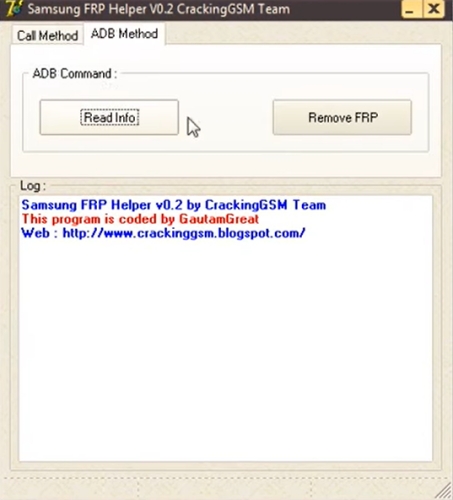
09Samsung FRP Helper
Samsung FRP Helper is a PC‑based utility that uses ADB commands to bypass Google verification on Samsung devices. The tool provides multiple bypass methods, including dialing techniques and ADB operations. It is mainly designed for users who prefer manual unlocking processes rather than fully automated tools.
 Pros
Pros- Free desktop tool
- Multiple bypass methods
- Supports many Samsung models
- Limited updates
- Moderate success rate
- Technical setup required
Part 4. Conclusion
Samsung FRP bypass tools provide practical solutions when Google verification prevents access to a device after a factory reset. By choosing reliable software with strong compatibility and simple operation, users can regain control of their phones efficiently. Selecting the right tool ensures a smoother FRP removal process and helps restore normal access to Samsung devices quickly and safely.

Teresa Miller
Editor in chief





