








Roblox is one of the most popular online gaming platforms in the world, offering millions of games created by a vast community of developers. However, many players find that access to Roblox is blocked at school. In this comprehensive guide, we explain how to play Roblox unblocked at school safely and effectively, whether you are using a school Chromebook, computer, or iPad that limits access to gaming content.
- Part 1. Can You Play Roblox Unblocked at School?
- Part 2. Best Ways to Play Roblox Unblocked (Actually Work)
- Part 3. Optional Ways to Play Unblocked Roblox (Sometime Work)
- Part 4. How to Play Roblox on a School iPad (Screen Time & MDM Locks)
- Part 5. FAQs about Playing Roblox Unblocked at School
- Part 6. Conclusion
Part 1. Can You Play Roblox Unblocked at School?
Yes, you can play Roblox unblocked at school, but it depends on your situation. Before jumping into solutions, it is important to understand the situation where you play Roblox. Usually, schools block Roblox and other games using
- Firewalls to block gaming websites
- Device restrictions on school-issued devices
- Network filters to limit non-educational content
You may be able to play Roblox if your school doesn't block unlocked websites or if you're connected to non-school internet like mobile data. Playing Roblox unblocked at school is a bit more difficult when you're using a school-managed device or the school has strict network filtering. In this case, the key to playing Roblox unblocked at school is to choose the right method. Here are possible ways to help you play Roblox unblocked at school.
| Methods | Success Rate | Ease of Use | Performance | Risk Level | Best For |
|---|---|---|---|---|---|
| Cloud Gaming | Medium | ⭐⭐⭐⭐ | ⭐⭐⭐ | Low | School computers or Chromebook |
| Portable Browser | Medium | ⭐⭐⭐ | ⭐⭐⭐ | Low | Reliable and safe option |
| Mobile Data / Hotspot | High | ⭐⭐⭐⭐ | ⭐⭐⭐⭐ | Medium | Bypass school network restrictions |
| Unblocked Roblox Websites | Medium | ⭐⭐⭐⭐⭐ | ⭐⭐⭐ | High | Mostly outdated or unsafe |
| VPN | Medium | ⭐⭐⭐ | ⭐⭐ | High | Occasional bypass |
| Proxy Servers | Low | ⭐⭐⭐ | ⭐ | High | Rarely work for gaming |
| DNS Changes | Low | ⭐⭐ | ⭐⭐⭐ | Medium | Only work on weak networks |
| ServiceWorker | Low | ⭐⭐ | ⭐⭐⭐ | Medium | Unreliable |
| Google Translate | Low | ⭐⭐⭐⭐ | ⭐ | Medium | No longer effective |
Part 2. Best Ways to Play Roblox Unblocked (Actually Work)
Playing Roblox at school isn't always easy, but it's not impossible either. The key is to focus on methods that actually work. Here are the most reliable methods, like using cloud gaming or portable browsers based on real-world usage.
Method 1. Try Cloud Gaming Services
👉 Best for: School devices with limited permissions
Cloud gaming platforms such as Now.gg allow you to play Roblox directly in a browser, no download or installation needed. All of them run on the cloud, so playing Roblox on cloud gaming platforms if you're using a restricted device like a school Chromebook or library computer.
🔗 Cloud Gaming Platforms for Unblocked Roblox:
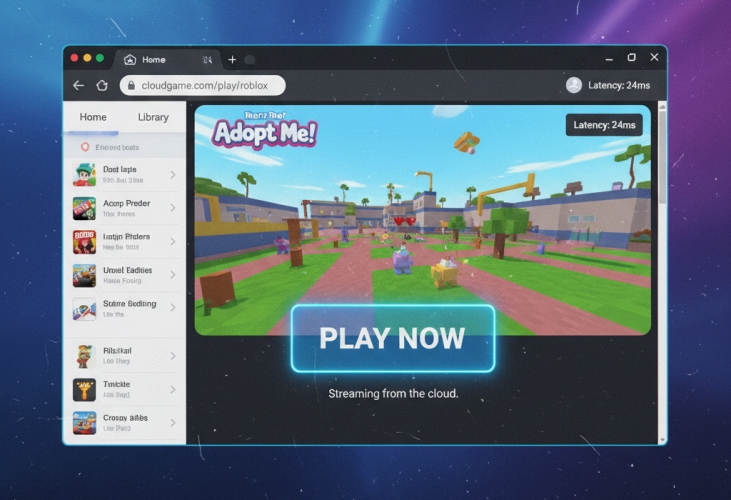
Step 1. Navigate to a cloud gaming platform in a browser.
Step 2. Search for Roblox on the platform.
Step 3. Click Play in Browser and log into your Roblox account.
Step 4. Start playing Roblox on the device freely.
 Benefits:
- Doesn't require installation or admin rights;
- Offer quick setup;
- Bypass some device restrictions.

- May still be blocked by school networks;
- Require fast internet;
- Lag on weak connections.
Method 2. Install a Portable Browser
👉 Best for: Available for a school Chromebook or computer
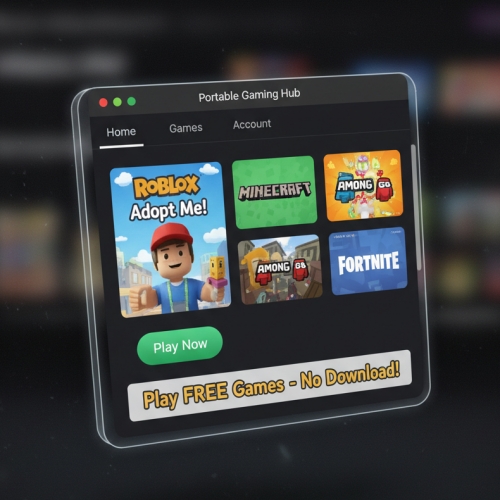
If you're using a school or shared computer, try to play Roblox unblocked at school by using a portable browser.This method focuses on running a browser from a USB drive instead of the school-installed browser, which may have stricter restrictions.
 Benefits:
- No school-installed restrictions;
- Full access to a browser without limit;
- Not leak any personal data.
- Not useful with a network restricted device;
- Potential security risks from unknown websites.
Method 3. Use Mobile Data or a Hotspot
👉 Best for: Situations where school WiFi is heavily restricted
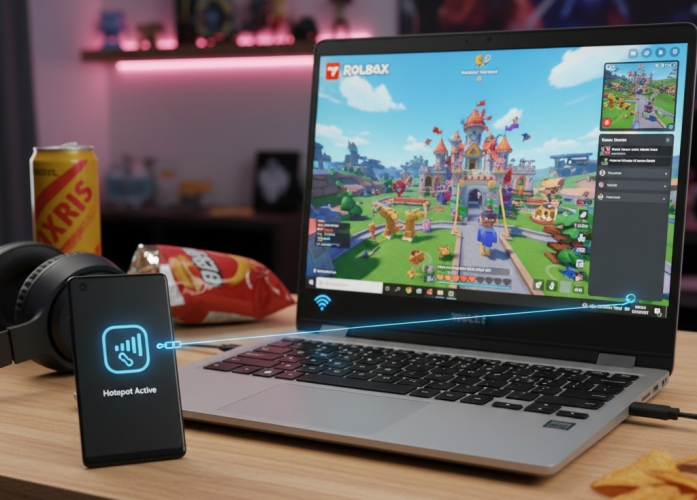
If school network blocks Roblox or other games, switching networks can help. You can use mobile data or a hotspot on your personal device, then share the network with your school device. Then you can bypass school network restrictions to play Roblox without being blocked.
 Benefits:
- Completely bypass school network restrictions.
- Use a lot of data;
- May not be allowed in some schools.
Part 3. Optional Ways to Play Unblocked Roblox (Sometime Work)
In addition to using cloud platforms or portable browsers, there are some commonly searched but less reliable methods to play Roblox unblocked at school. These can work in certain cases, but often fail due to stronger restrictions.
Method 1. Visit Unblocked Roblox Websites
👉 Warning: Rarely work and pose security risks
Some sites like Roblox Unblocked 66 claim to offer Roblox unblocked versions by hosting the game or redirecting traffic. These sites attempt to host Roblox through embedded players, use mirror domains to avoid detection, and redirect traffic through different URLs.
🔗 Unblocked Roblox Websites:
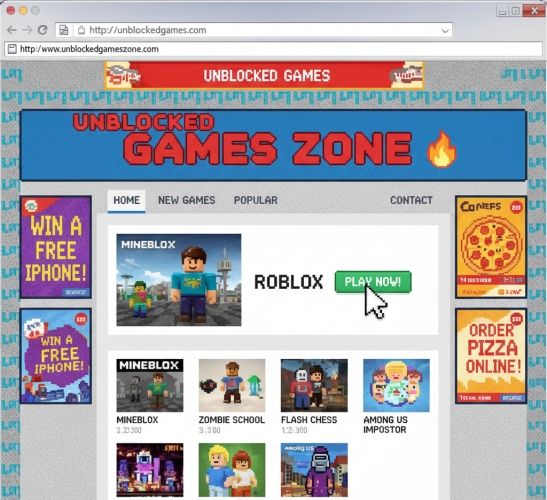
Step 1. Visit a website to play Roblox unblocked in a browser.
Step 2. Wait to load the full game and click Play Now.
Benefits:- Very easy to try;
- No setup required;
- Accessible from any browser.
- Don't actually run Roblox properly;
- Frequently blocked by school filters;
- Risk of malware, fake logins, or intrusive ads.
Method 2. Use a Virtual Private Network
👉 Warning: Use with caution as this is not always a reliable solution
A Virtual Private Network (VPN) is the most reliable and effective method to bypass Roblox blocks from the network firewall. It works by routing your internet connection through a remote server, masking your IP address and encrypting your internet traffic.
Best VPN Services for Roblox:
- NordVPN - Fastest and most secure for school and work networks.
- Surshark - Affordable, works on unlimited devices.
- ExpressVPN - Excellent for mobile play and Chrome extensions.
Step 1. Choose a trusted VPN provider and create an account.
Step 2. Download and install the VPN app on your device.
Step 3. Connect to a server where Roblox is not blocked.
Step 4. Visit the Roblox website and start playing freely.
Benefits:- Secure the data;
- Offer high-speed gaming if using premium servers.
- Often blocked by school networks;
- Slow down the connection;
- May violate school rules.
Method 3. Navigate to a Proxy Website
👉 Warning: not recommended for Roblox gameplay
If a VPN service is not an option, a web proxy offers a quick, browser-based solution. Proxy servers act as intermediaries between your device and the internet. It allows you to bypass firewalls by masking your actual network requests.
Popular Free Proxies for Roblox:
- Hide.me - A reliable, secure, and fast proxy website
- KProxy - A simple and efficient web proxy website
- Proxysite.com - A lightning fast proxy website with multiple servers
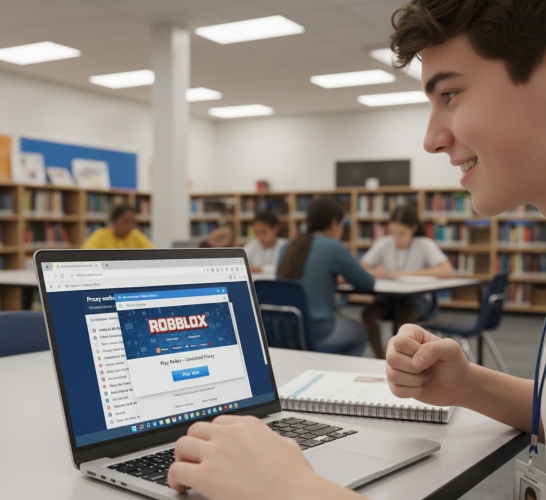
Step 1. Visit a free proxy website like Hide.me or KProxy.
Step 2. Enter the official website address of Roblox.
Step 3. Click Surf Anonymously to access the page.
Benefits:- Doesn't require any technical skill;
- Bypass local restrictions.
- Usually too slow for gaming;
- Frequently blocked;
- Unstable performance.
Method 4. Edit DNS Settings or Host File
👉 Warning: Work in rare cases only
If you're tech-savvy and have admin access, changing your DNS server or editing the hosts file on the computer can bypass basic restrictions. But this method is less reliable and often doesn't work on school-issued devices.
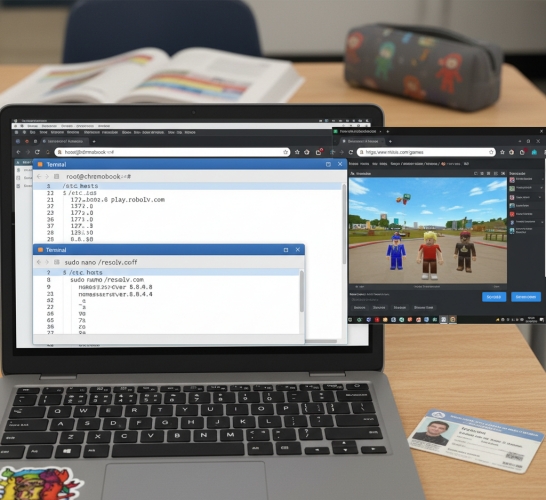
Step 1. Go to your device's network settings.
Step 2. Manually enter DNS servers like 8.8.8.8 or 1.1.1.1.
Step 3. Reboot the browser on your device and try accessing Roblox.
Benefits:- Work for circumvents content filers without VPN or proxy sites.
- Only work on weak filtering systems;
- Ineffective against advanced school networks.
Method 5. Stop ServiceWorker Internals
👉 Warning: Highly impractical and ineffective for school environments
Suggested from some users in Reddit, stopping ServiceWorker internals can help to bypass restrictions on Chrome-based devices. It aimed bypassing cached restrictions or background process. But this is a more technical approach, and doesn't work every time.
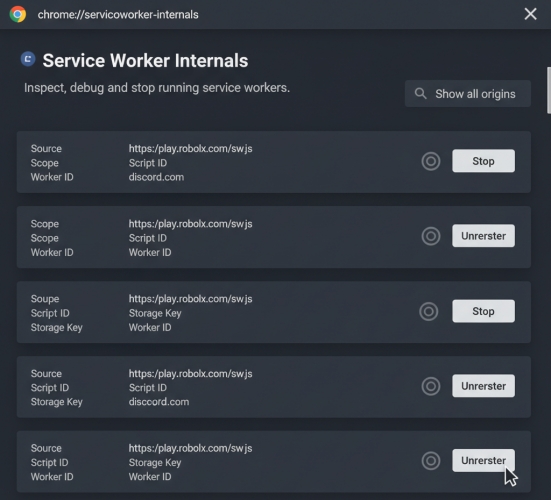
Step 1. Search up chrome://serviceworker-internals.
Step 2. Click Stop to everything you see.
Step 3. Go to the Roblox website and start playing.
Benefits:- May affect how pages load locally;
- More advanced approach.
- Require access to restricted browser settings;
- Complex and confusing for most users;
- No proven success for Roblox access;
- Doesn't bypass network-level restrictions.
Method 6. Trick with Google Translate
👉 Warning: Outdated method with very low success rate
This is a well-know trick where users try to access blocked sites through Google Translate. Google Translate acts like a basic proxy, loading the site within its interface. Some users successfully bypass restrictions using Google Translate, while others fail.
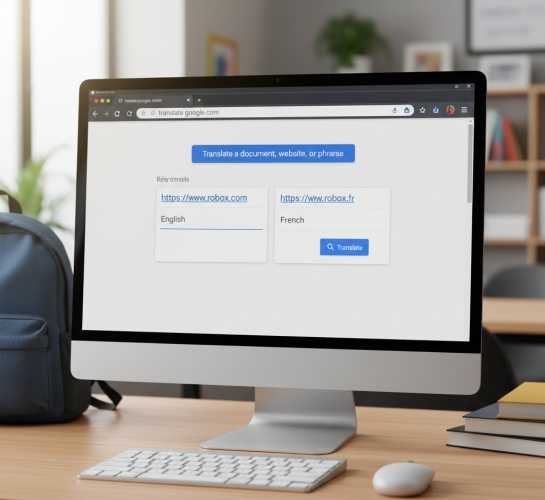
Step 1. Go to Google Translate and paste the Roblox website URL.
Step 2. Translate it into anther language.
Step 3. Click the translated link and start playing the game.
Benefits:- No installation or technical setup;
- Work on most browsers.
- Rarely work on modern school networks;
- Roblox may not load or function correctly;
- Often blocked or restricted by admins.
Part 4. How to Play Roblox on a School iPad (Screen Time & MDM Locks)
If you're trying to play Roblox on a school iPad, restrictions like Screen Time limits or Mobile Device Management can prevent app access, downloads, or gameplay. Some users look for third-party tools to remove these restrictions. MagFone iPhone Unlocker is a utility designed to help users regain access to iOS devices when encountering Screen Time or MDM restrictions. It supports features such as removing Screen Time passcodes and bypass MDM locks.

MagFone iPhone Unlocker
Unlock various locks on iOS devices, including screen locks, MDM, Apple ID, and Activation Lock without needing a password.
Step 1 Connect iPad to Computer and Open MagFone
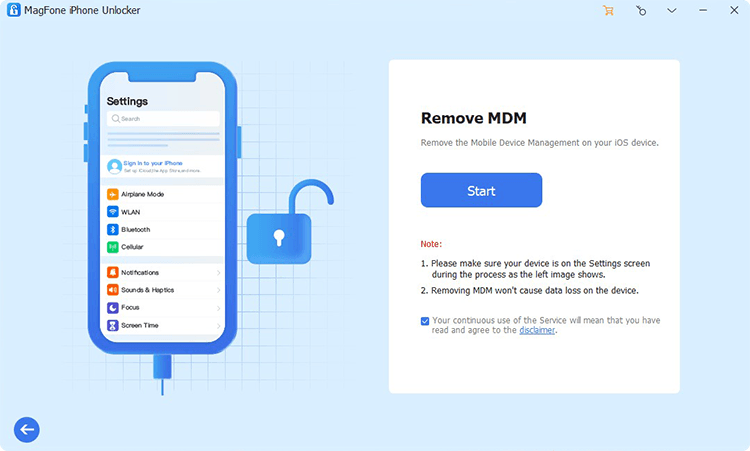
Pull up MagFone iPhone Unlocker on your computer then connect your iPad to the computer. After your iPad is detected by the computer, select the Remove MDM option and click on the Start button to process the process of removing the MDM profile.
Step 2 Start to Remove the MDM Profile on iPad
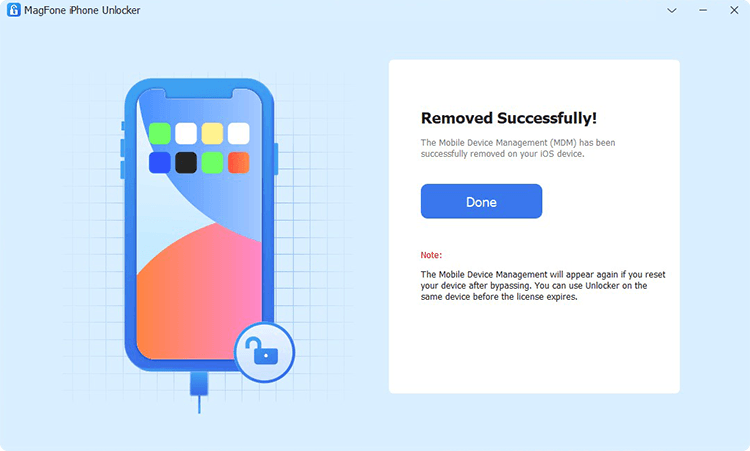
Make sure that the Find My iPad feature is disabled on your iPad. If not, go to Settings > [your name] > Find My. Then under Find My, tap Find My iPad and turn it off. Now you can click on the Remove button to start removing the MDM profile without password and data loss.
Part 5. FAQs about Playing Roblox Unblocked at School
How to get Roblox unblocked at school no download?
To get Roblox unblocked at school no download, you can access some cloud-gaming platforms like Now.gg and Easyfun, allowing you to play Roblox without installation and logging in.
How to unblock Roblox on a school computer?
To unblock Roblox on a school computer, you can try a VPN service or proxy website. Or you can download Roblox to a portable USB drive for playing without restrictions.
Are there websites that have Roblox unblocked?
Yes, some proxy websites and cloud-gaming platforms like Now.gg and Easyfun allow you to run Roblox on restricted devices, provided your network doesn't block them.
Is it legal and safe to unblock Roblox?
Yes, unblocking Roblox using a VPN or proxy site is legal and safe, provided you are not violating any local laws or institutional policies.
Part 6. Conclusion
Roblox is an incredible platform for creativity and fun. Even when it's blocked, you have multiple secure and effective ways to play Roblox unblocked using VPN services, proxy sites, USB drives, and others. If you're using a school-issued or enterprise-issued iPhone or iPad, consider an MDM removal like MagFone iPhone Unlocker to remove restrictions for permanent Roblox unblocked.

Dylan Jones
Editor in chief





