








Poly Track is a fast-paced racing game where players steer through winding tracks and aim to reach the finish line without crashing. If the game is blocked on your network or device, there are several ways to try accessing it. In this guide, we will show you where to play Poly Track, how to play Poly Track unblocked, and tips for playing and importing custom track codes. Let's get started.

- Part 1. What Is Poly Track?
- Part 2. Where to Play Poly Track Unblocked?
- Part 3. How to Play Poly Track Unblocked
- Part 4. Poly Track Codes: How to Import & Play
- Part 5. Conclusion
Part 1. What Is Poly Track?
Poly Track is a minimalist 3D racing game developed by Kodub, featuring low-poly graphics, winding courses, and time-based challenges. Players steer through sharp turns, avoid falling off the track, and aim for their fastest finish. The latest version is Poly Track 0.6.3; you can find more information about the game on itch.io.

Part 2. Where to Play Poly Track?
You can play Poly Track on Kodub's official website or download it for Android and Windows from the game's itch.io page: https://kodub.itch.io/polytrack. The page provides the available downloads and versions.
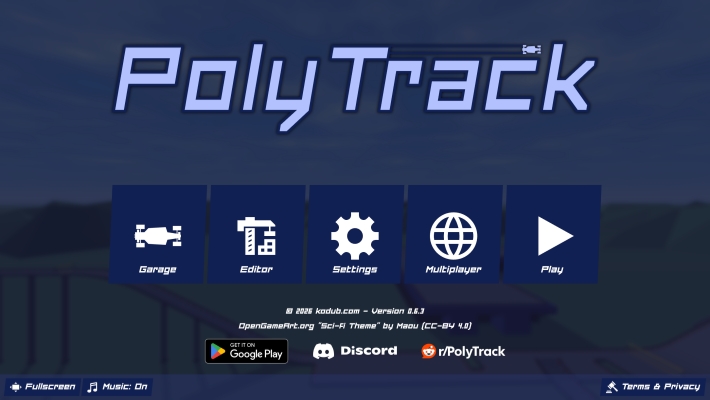
You can also play Poly Track on a gaming website like Poki, CrazyGames, or Kodub. All of the links below are official links to play Poly Track.
🔗 Official Sites for Poly Track:
- https://www.kodub.com/apps/polytrack
- https://www.crazygames.com/game/polytrack
- https://poki.com/en/g/polytrack
- https://kodub.itch.io/polytrack
- https://webgamer.io/en/g/polytrack
- https://www.msn.com/en-us/play/games/polytrack/cg-9n02lr0qrbm2
- https://play.google.com/store/apps/details?id=com.kodub.polytrack
Part 3. How to Play Poly Track Unblocked
If you can't access the websites listed in Part 2, the issue may be caused by your network or device settings. You can follow the methods below to bypass the restrictions, but availability depends on your location, network rules, and device compatibility.
Method 1. Switch to Mobile Data
Public networks are more likely to filter game websites and some popular mirror sites. You can switch your network to mobile data and check if the restrictions are unlocked.
 Pros
- Quick to try

- Uses your data plan
Method 2. Use A VPN Server
A VPN routes your connection through a VPN provider's server and may help if the site is unavailable on your current network. You can choose a reputable provider and switch your IP to play Poly Track unblocked. However, a VPN may not work in every case.
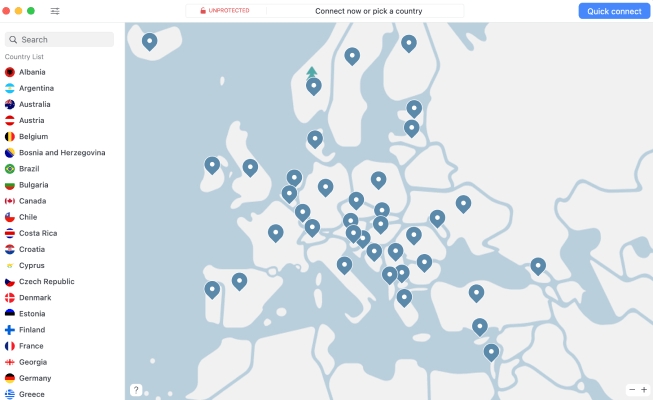
Step 1. Install a reliable VPN on your device.
Step 2. Follow the server instructions to configure your VPN.
Step 3. Connect to the VPN server and play Poly Track.
Pros- Can help with some network blocks
- May be slow
- May requires a subscription
Method 3. Use A Proxy Site
When you can't load the official links in Part 2, you can use a proxy site to visit them instead. A proxy site can help hide your activity and may help you bypass the restrictions. Below are some proxy sites you can try.
- Hide.me: https://hide.me/en/proxy
- VPNBook: https://www.vpnbook.com/webproxy
- ProxySite: https://www.proxysite.com/
- Shifter Web Proxy: https://shifter.io/web-proxy/alternatives/kproxy
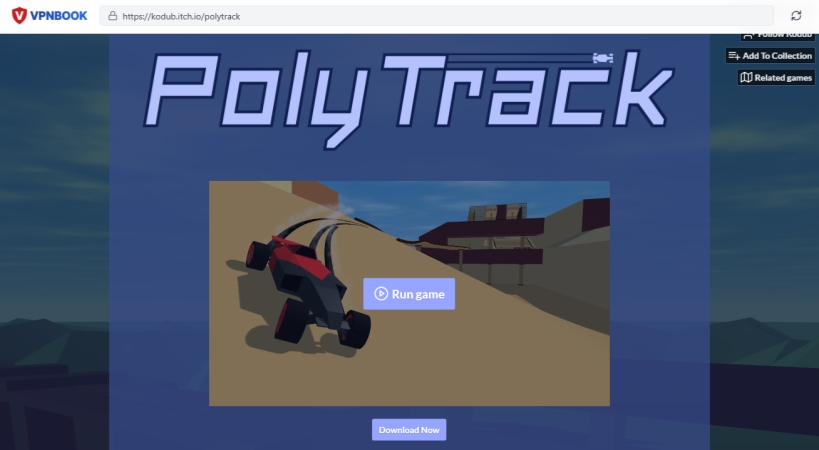
Step 1. Visit an proxy web.
Step 2. Copy and paste the link in Part 2 in the proxy typing box, and load the Poly Track via the proxy.
Pros- Easy to access in browser
- Abundant choices online
- Games load slowly
- May have bandwidth cap
Method 4. Use Poly Track Unblocked Extension
Running an extension in a browser will not leave tracks on your network, so you may be able to play Poly Track unblocked via an extension. But the extensions may not have a stable connection with the Poly Track server.
| Poly Track Unblocked Chrome Extension | Last Update |
|---|---|
| https://chromewebstore.google.com/detail/polytrack-unblocked-game | 2026.7.15 |
| https://poly-track-unblocked.en.softonic.com/chrome/extension | 2026.9.1 |
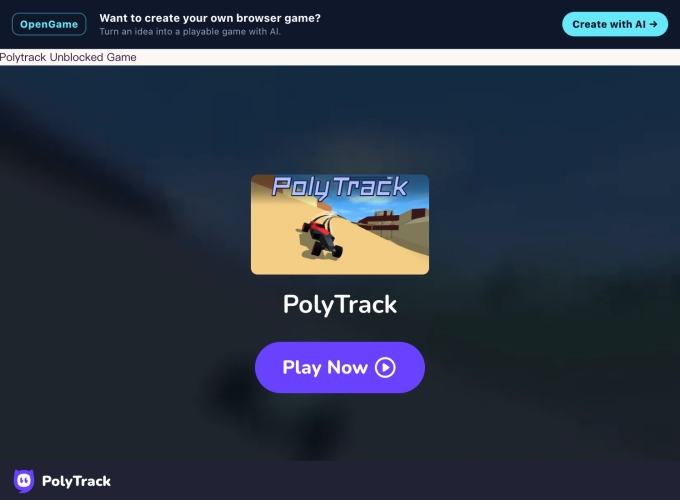
Step 1. Visit the extension page, download and add it to your Chrome.
Step 2. Click the Extensions button and run this extension.
Step 3. If the extension connects to the Poly Track server successfully, click Start Play to play the game.
Pros- Hide browser activities
- Connection is not stable
- Can't play full-screen game
Method 5. Use MagFone iPhone Unlocker
If you are stuck on any Mobile Device Management restrictions or Screen Time restrictions, you can consider using an unlocking tool to bypass these restrictions. MagFone iPhone Unlocker is a professional unlocking tool designed to bypass various passcode and bypass various restrictions on iPhone and iPad. With MagFone iPhone Unlocker, you can easily bypass Mobile Device Management and Screen Time restrictions without a passcode and without an Apple ID password. If you are restricted from accessing Poly Track on your iPhone or iPad, follow the steps below to remove the restrictions.
MagFone iPhone Unlocker
Unlock various locks on iOS devices, including screen locks, MDM, Apple ID, and Activation Lock without needing a password.
Step 1 Run MagFone iPhone Unlocker
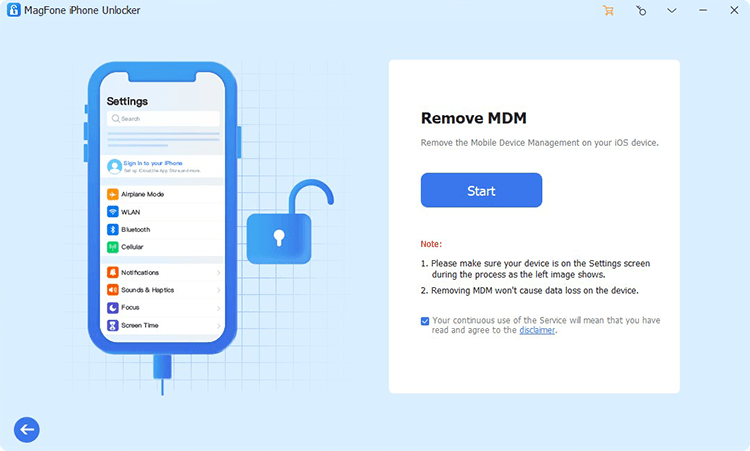
Use a data cable to link your iPhone to the computer and run MagFone iPhone Unlocker.
Step 2 Bypass Device Management
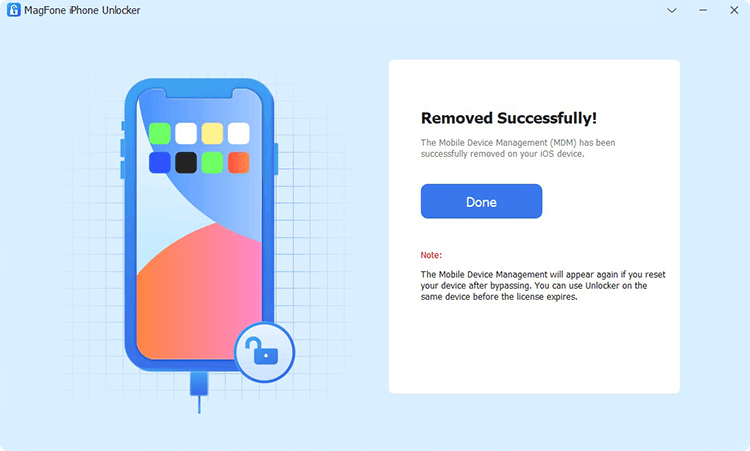
Choose Remove MDM or Unlock Screen Time Passcode from MagFone's main page. Click Start to remove the remote device management or Screen Time restrictions without a passcode.
Pros- Bypass remote device management
- Bypass Screen Time restrictions
- Not working for geo restrictions
Part 4. Poly Track Codes: How to Import & Play
Want to try new tracks in Poly Track? You can browse tracks shared by the community and import a code you'd like to play. The itch.io community thread is one place to explore player-submitted tracks.
If you want more intuitive options, you can also visit PolyTrackCodes. It lists over 1,600 tracks across difficulty categories such as Easy, Medium, Hard, Expert, and Impossible. You can browse the categories to find a track that suits your skill level, then follow the game's import instructions to load and play it.
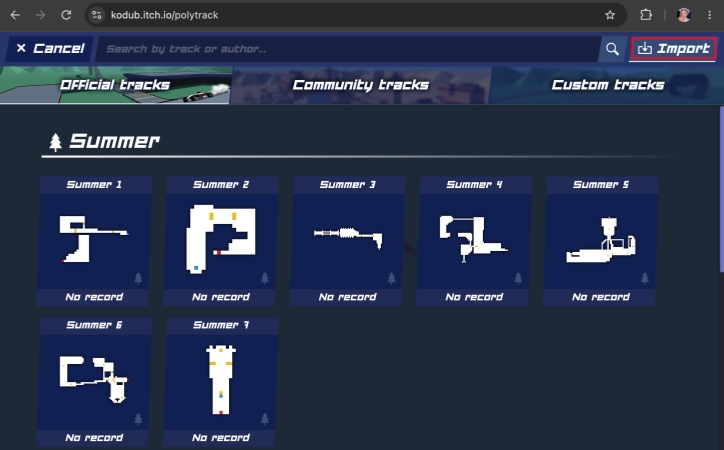
Step 1. Visit either the itch.io or PolyTrackCodes website and load the track you want to play.
Step 2. Copy the track code.
Step 3. Open Poly Track in your browser or open the app.
Step 4. Go to Poly Track Editor > Load > Import.
Step 5. Paste the track code and click Import. After importing the track code, you can load the track and click Play to try it.
Part 5. Conclusion
You can find hundreds of track codes in the Poly Track community, which brings a lot of fun during relaxation time. If you are unable to play Poly Track due to network or content filters, use mobile data, a VPN server, or MagFone iPhone Unlocker to bypass the restrictions. Once you get access to Poly Track games, experience those codes you are interested in and break your records!

Dylan Jones
Editor in chief




