








Cookie Clicker is the definitive idle game, but many school and workplace networks categorize it as gaming, cutting off your access to the Grandmapocalypse. However, playing Cookie Clicker unblocked is about more than just finding a working link. It's about ensuring your progress stays safe and your gameplay remains uninterrupted. In this guide, we break down how to get Cookie Clicker unblocked at school or any where.

- Part 1. Can You Play Cookie Clicker Unblocked?
- Part 2. Top 8 Safe Cookie Clicker Unblocked Sites
- Part 3. Responsible Ways to Play Cookie Clicker Unblocked
- Method 1. Use Google Translate to Get Cookie Clicker Unblocked
- Method 2. Access Cookie Clicker Unblocked via Mobile Hotspots
- Method 3. Get Cookie Clicker Unblocked Using VPN Services
- Method 4. Open Cookie Clicker Unblocked in a Proxy Website
- Method 5. Install a Portable Browser to Get Cookie Clicker Unblocked
- Method 6. Play Cookie Clicker on a Restricted iPhone or iPad
- Part 4. FAQs about Cookie Clicker Unblocked at School
- Part 5. Conclusion
Part 1. Can You Play Cookie Clicker Unblocked?
Yes, you can play Cookie Clicker unblocked at school or anywhere. When the official website is restricted by network filters on school or workplace WiFi, players typically use alternative methods to access the game. Here are the most common and safe ways to play Cookie Clicker unblocked at school, work, or anywhere.
| Methods | Bypass Restricted Network | Bypass MDM Restrictions | Difficulty | Effectiveness | Best Scenario |
|---|---|---|---|---|---|
| Cookie Clicker Unblocked Sites | ✅ | ❌ | Easy | Medium | Quick access |
| Google Translate | ✅ | ❌ | Easy | Low | Basic URL filtering |
| Mobile Hotspots | ✅ | ❌ | Easy | High | School Wi-Fi blocks |
| VPN Services | ✅ | ❌ | Easy | High | Frequent restrictions |
| Web Proxy | ✅ | ❌ | Easy | Medium | Quick browser access |
| Portable Browser | ✅ | ❌ | Medium | Medium | Device limitations |
| DNS Changes | ❌ | ✅ | Medium | High | Screen Time restrictions on iOS devices |
Part 2. Top 8 Safe Cookie Clicker Unblocked Sites
Not all Cookie Clicker unblocked sites are created equal. Some are buried under heavy ads, while others are clean and fast. Here are the top-rated platforms currently hosting the game.
No. 1 CookieClicker.eu
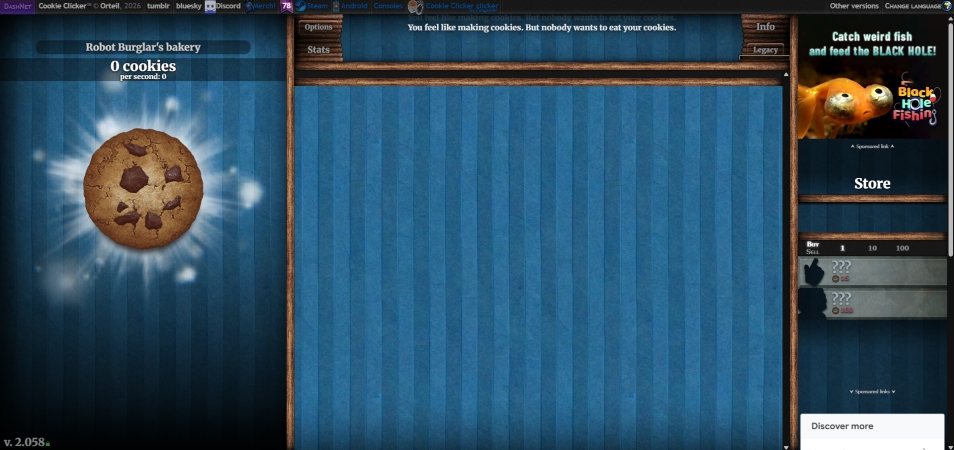
CookieClicker.eu is one of the oldest and most trusted mirror sites. The site closely resembles the original game layout, making it feel familiar to experienced players. It became popular among students and office workers who couldn't access the official website due to network restrictions.
Key Features:
- Fast-loading pages
- Original game interface
- Save import and export tools
- Minimal advertisements
Unique Advantage:
The site's lightweight design allows it to run smoothly even on older computers and school-issued Chromebooks.
No.2 Coolmath Games
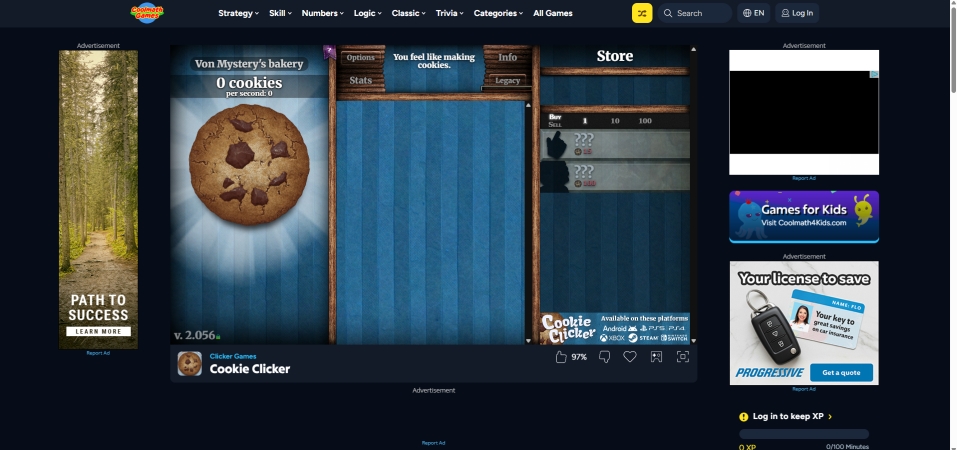
Coolmath Games is one of the most recognized educational gaming platforms on the internet. Cookie Clicker is hosted alongside hundreds of browser-based games. Unlike dedicated Cookie Clicker mirrors, Coolmath Games surrounds the game with a polished gaming portal.
Key Features:
- Secure platform
- Mobile compatibility
- Trusted reputation
- Browser save support
Unique Advantage:
Many schools whitelist Coolmath Games because it has historically been viewed as an educational gaming resource.
No.3 DashNet
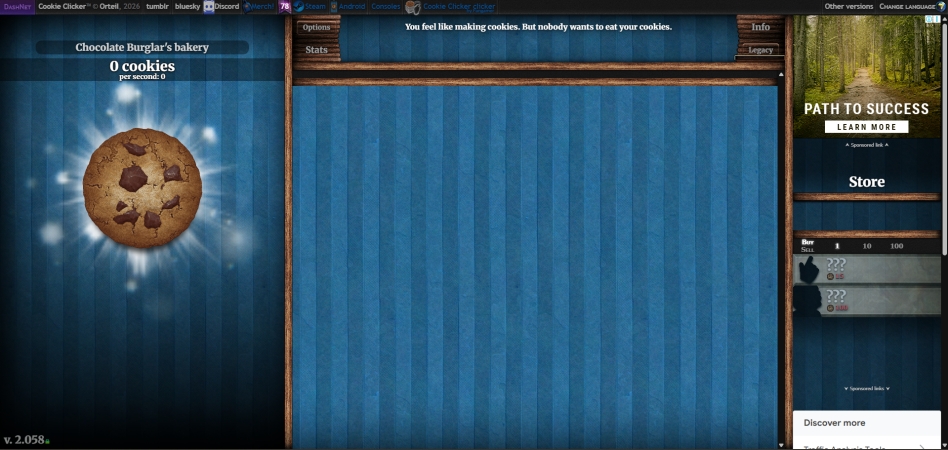
DashNet is essentially the development hub for Cookie Clicker. The site focuses heavily on the game itself and includes links to developer projects and community resources. New updates often appear here before reaching other mirrors.
Key Features:
- Earliest access to updates
- Official development version
- Beta testing opportunities
- Complete game mechanics
Unique Advantage:
Players can often access experimental features before they become widely available.
No.4 CookieClicker-Unblocked.org
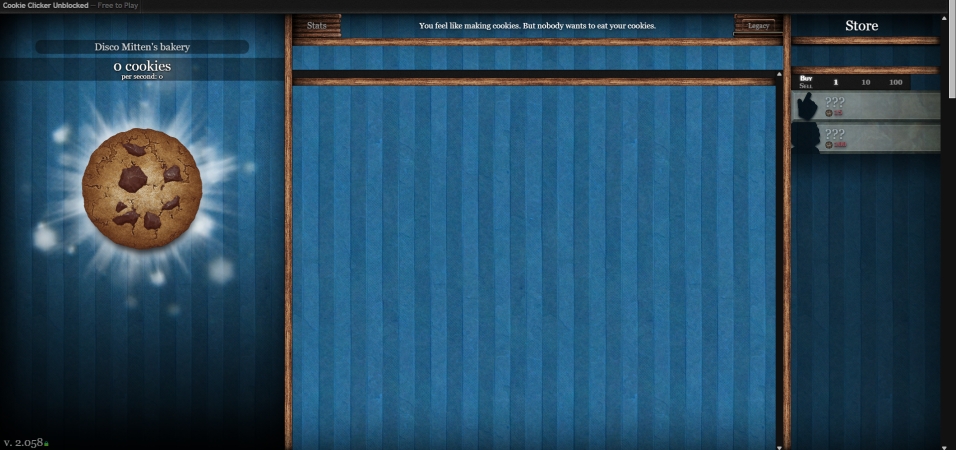
This website is specifically designed for users searching for an accessible version of Cookie Clicker from restricted networks. The homepage is straightforward, usually featuring quick-play button, game instructions, frequently asked questions, and full-screen gameplay support.
Key Features:
- No downloads required
- Browser-based gameplay
- Quick startup
- Mobile compatibility
Unique Advantage:
The site prioritizes simplicity and fast access over additional gaming content.
No.5 CookieClicker-Unblocked.net
CookieClicker-Unblocked.net focuses exclusively on providing a dedicated Cookie Clicker experience. The interface is optimized for accessibility and ease of navigation.
Key Features:
- Auto-saving
- Responsive design
- Full-screen support
- Achievement tracking
Unique Advantage:
The site often includes beginner guides that help new players understand upgrades, prestige levels, and optimization strategies.
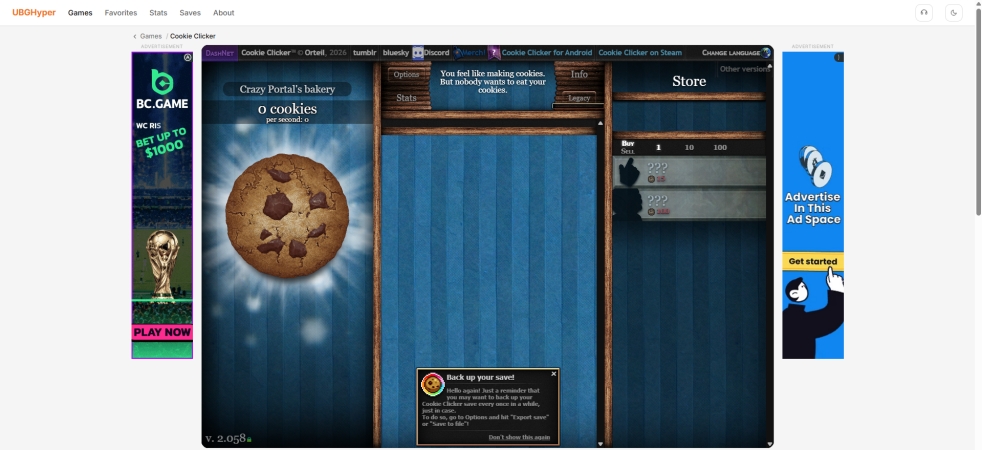
No.6 UBG Hyper
UBG Hyper is a large browser gaming portal rather than a dedicated Cookie Clicker website. The platform organizes games into categories such as idle games, action games, puzzle games, and racing games. You can find Cookie Clicker according to the category.
Key Features:
- Hundreds of playable games
- Quick switching between titles
- Browser saves
- Fast page loading
Unique Advantage:
Players can explore similar idle games after playing Cookie Clicker.
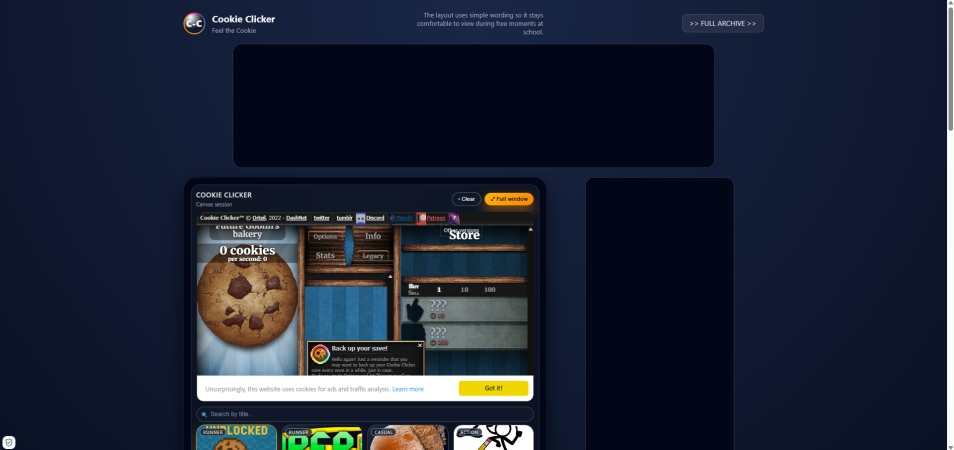
No.7 Agar.live Cookie Clicker
Originally known for multiplayer browser games, Agar.live expanded its offerings to include popular idle games such as Cookie Clicker. The website features a modern layout with a focus on quick accessibility.
Key Features:
- Lightweight game hosting
- Fast loading speeds
- Mobile browser support
- Minimal setup
Unique Advantage:
The platform performs well on lower-end devices and slower internet connections.
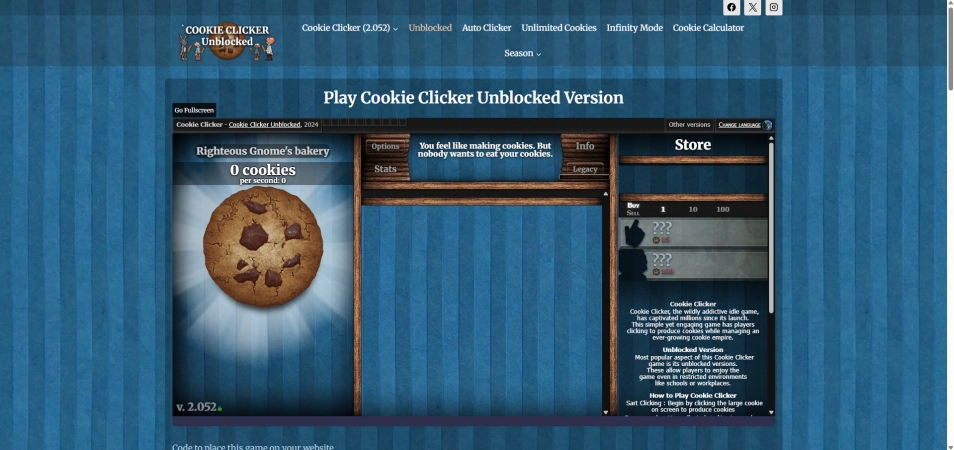
No.8 CookieClickerUnblocked.io
CookieClickerUnblocked.io is a specialized mirror site dedicated to providing uninterrupted access to the game. The site is designed around one goal: launching the game as quickly as possible.
Key Features:
- Direct browser access
- Quick loading
- Full-screen mode
- Save support
Unique Advantage:
The site typically requires fewer clicks to start playing compared to larger gaming portals.
How to Export the Game History of Cookie Clicker
The biggest risk of playing on an unblocked mirror site is losing your progress when the browser cache is cleared. To avoid losing weeks of clicking, you must use the Save String method.
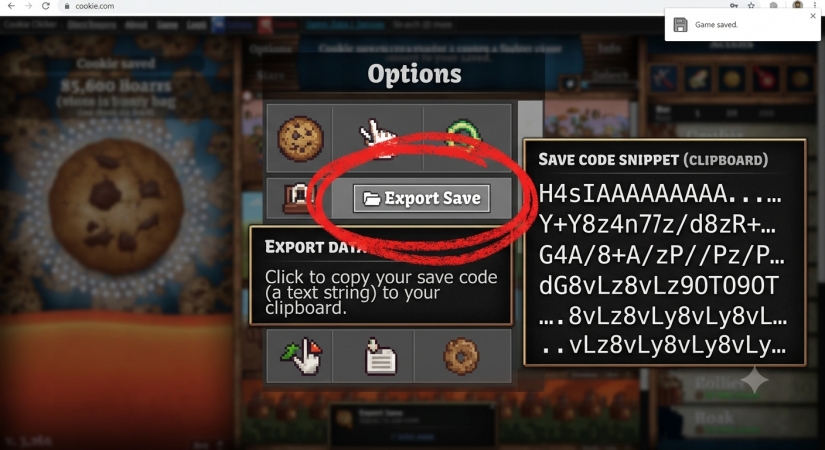
Step 1. Open the Options menu in Cookie Clicker.
Step 2. Click on Export Save.
Step 3. A long string of alphanumeric code will appear. Copy this code.
Step 4. Paste this code into a Google Doc or a private email.
Part 3. Responsible Ways to Play Cookie Clicker Unblocked
Failing to access a Cookie Clicker unblocked site, there are still several methods that may work depending on how the restrictions are implemented. If you want to access the game when it is blocked, try the following methods one by one.
Method 1. Use Google Translate to Get Cookie Clicker Unblocked
👉 Best For: Quick attempts when only simple URL filtering is in place.
In some cases, Google Translate can load a webpage through its translation interface. Because the request is routed through Google's translation service, certain URL-based filters may not immediately recognize the destination website.
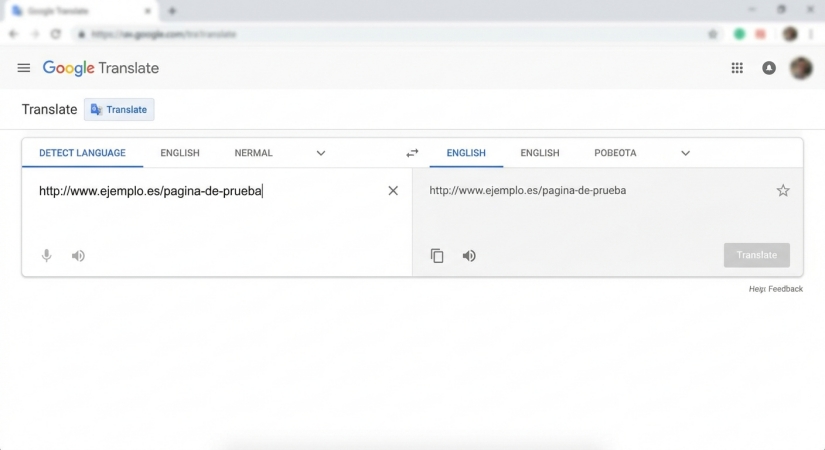
Step 1. Go to Google Translate.
Step 2. Paste the official Cookie Clicker URL into the text box.
Step 3. Click the generated link in the Translation box.
Step 4. See whether the game loads through the translation page.
 Benefits:
- Free to use
- No installation required
- Works directly in a browser
- Easy for beginners

- No longer works reliably on many networks
- Interactive games may not load properly
- School filters often block this workaround
Method 2. Access Cookie Clicker Unblocked via Mobile Hotspots
👉 Best For: Students and travelers who have sufficient mobile data available.
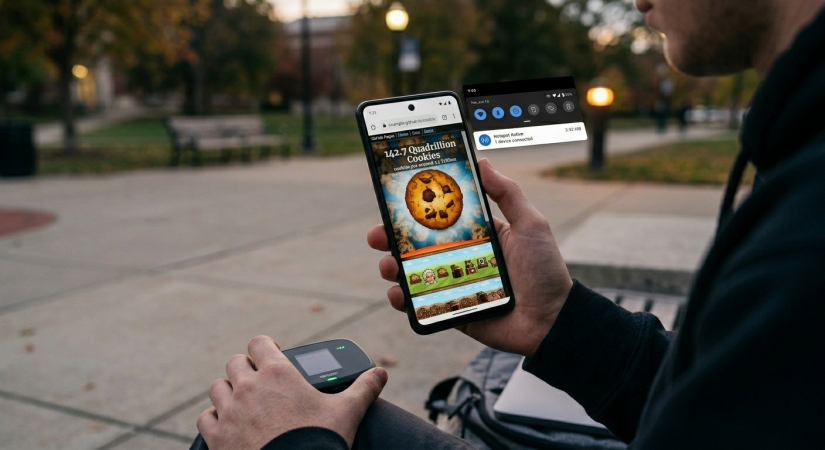
Instead of using the school's or workplace's Wi-Fi network, you connect your device to your smartphone's cellular data connection. Since you're using your mobile carrier's network, local network restrictions generally don't apply.
 Benefits:
- Very effective
- Doesn't rely on third-party services
- Fast connection if cellular signal is strong
- More private than public proxies
- Uses mobile data
- Can drain phone battery quickly
- May incur carrier charges
- Requires a cellular plan
Method 3. Get Cookie Clicker Unblocked Using VPN Services
👉 Best For: Users who frequently encounter network restrictions.
A VPN (Virtual Private Network) encrypts your internet traffic and routes it through a remote server. This prevents local network filters from easily identifying the websites you visit. Popular VPN providers include NordVPN, ExpressVPN, and Surfshark.
Best VPN Services for Cookie Clicker:
- NordVPN - Fastest and most secure for school and work networks.
- Surshark - Affordable, works on unlimited devices.
- ExpressVPN - Excellent for mobile play and Chrome extensions.
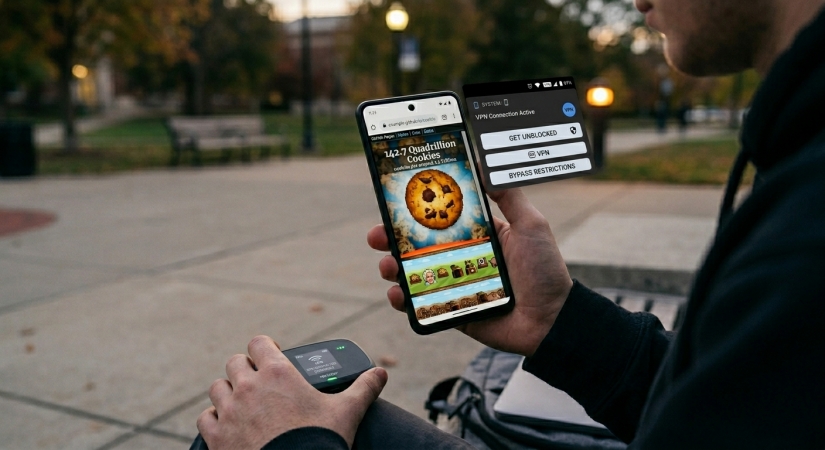
Step 1. Choose a VPN provider and install it.
Step 2. Sign into the VPN application.
Step 3. Connect to a nearby server.
Step 4. Open Cookie Clicker in your browser.
Benefits:- Secure the data;
- Offer high-speed gaming if using premium servers.
- Often blocked by school networks;
- Slow down the connection;
- May violate school rules.
Method 4. Open Cookie Clicker Unblocked in a Proxy Website
👉 Best For: Occasional access when installing software isn't possible.
A web proxy loads websites on your behalf and displays the content through its own server. Unlike a VPN, a proxy typically works only within the browser. Instead of using a VPN, you can visit the official Cookie Clicker website using a proxy website.
Popular Free Proxies for Roblox:
- Hide.me - A reliable, secure, and fast proxy website
- KProxy - A simple and efficient web proxy website
- Proxysite.com - A lightning fast proxy website with multiple servers
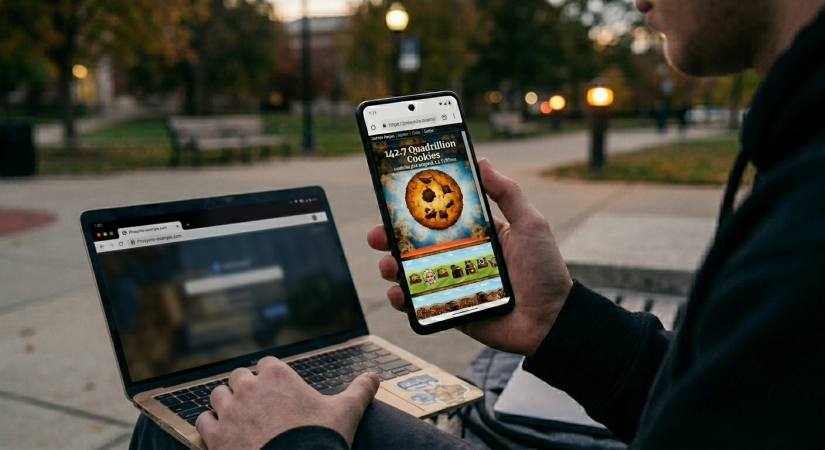
Step 1. Find a reputable web proxy.
Step 2. Enter the Cookie Clicker URL.
Step 3. Click Go or Browse.
Step 4. Wait for the game page to load.
Benefits:- No software installation
- Often free
- Quick setup
- Slower speeds
- Advertisements are common
- Some proxies collect browsing data
- Many schools block popular proxy sites
Method 5. Install a Portable Browser to Get Cookie Clicker Unblocked
👉 Users who want a self-contained browsing environment.
A portable browser runs directly from a USB drive without requiring a full installation on the host computer. Popular portable browsers include Mozilla Firefox Portable and Google Chrome Portable. Go to install a portable browser to access Cookie Clicker unblocked at school.
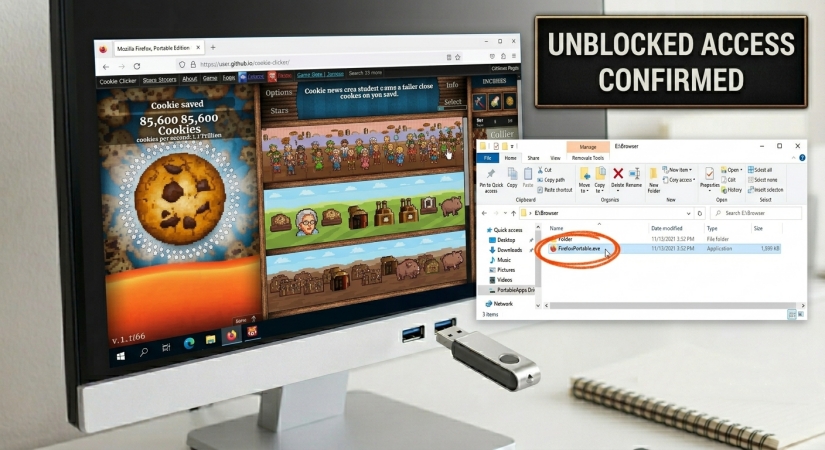
Step 1. Download a portable browser to a USB drive.
Step 2. Plug the USB drive into your computer.
Step 3. Launch the portable browser.
Step 4. Visit Cookie Clicker.
Benefits:- Doesn't alter the host computer
- Keeps browsing data separate
- Portable and convenient
- Doesn't automatically bypass network restrictions
- USB devices may be blocked
- Requires preparation beforehand
Method 6. Play Cookie Clicker on a Restricted iPhone or iPad
👉 Best For: Users who need to remove forgotten Screen Time restrictions on their iPhone or iPad.
Sometimes the block isn't coming from the school Wi-Fi network, but from restrictions built directly into the device itself. For students using personal or unmanaged iOS devices, features like Apple's Screen Time or MDM profiles are often used to completely lock down browsing or restrict access to apps during specific hours.
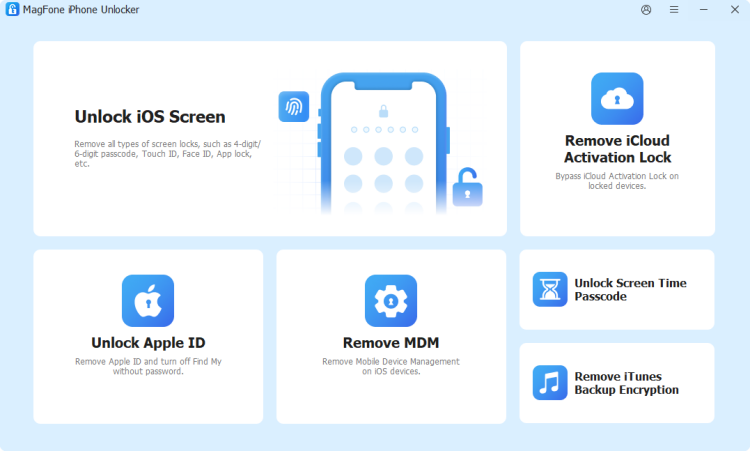
If a forgotten passcode or a lingering restriction profile is preventing you from opening Safari to load your game, web-based proxies won't help. In these specific scenarios, desktop utilities like MagFone iPhone Unlocker are often used to handle hardware-level restrictions. MagFone iPhone Unlocker includes the removal feature of Screen Time and MDM that can delete Screen Time and MDM restrictions from iOS devices without data loss.

MagFone iPhone Unlocker
Unlock various locks on iOS devices, including screen locks, MDM, Apple ID, and Activation Lock without needing a password.
Step 1. Download and install MagFone iPhone Unlocker.
Step 2. Connect your iPhone or iPad to your computer.
Step 3. Select Unlock Screen Time Passcode.
Step 4. Follow the on-screen instructions.
Step 5. Complete device setup after Screen Time removal.
Step 6. Open Safari and access Cookie Clicker.
Benefits:- Specifically targets Screen Time restrictions
- Designed for iOS devices
- Guided step-by-step process
- Supports multiple iPhone and iPad models
- Requires a computer
- Usually requires a paid license
- Does not bypass network blocks
Part 4. FAQs about Cookie Clicker Unblocked at School
Is there an official school version of Cookie Clicker?
No, there is no official school version. However, the versions hosted on educational sites like Scratch or GitHub are the closest thing to a safe version for restricted environments.
Will my progress sync with the Steam version?
Yes! Because Cookie Clicker uses universal save strings, you can export your save from an unblocked browser version and import it directly into the Steam version when you get home.
Is playing on a Cookie Clicker unblocked site safe?
As long as you stay in the browser, it is generally safe. Never download an .exe file claiming to be the game. The real Cookie Clicker runs entirely on JavaScript and HTML5.
Part 5. Conclusion
Whether you're on a quick break or looking to pass the time between tasks, finding a way to play Cookie Clicker unblocked is a top priority for idle gaming fans. From this comprehensive guide, you can find the way to get Cookie Clicker unblocked. If the issue is a Screen Time or MDM restriction on your iPhone or iPad, MagFone iPhone Unlocker may help remove the limitation, but it won't bypass network-level blocks imposed by a school, workplace, or internet provider.

Dylan Jones
Editor in chief




