








Stuck with a Straight Talk device that refuses to accept another carrier's SIM card? You're not alone. Whether you're switching providers, traveling abroad, or simply want more freedom with your device, learning how to unlock a Straight Talk phone doesn't have to be complicated. This guide walks you through the options available, explains the basic requirements, and provides clear steps to help you determine the best way to unlock Straight Talk phone.
- Part 1. Can You Unlock a Straight Talk Phone?
- Part 2. How to Unlock a Straight Talk Phone Easily
- Part 3. More Ways to Unlock Straight Talk Phone
- Part 4. Extra Tip: Android Screen Lock Removal
- Part 5. Conclusion
Part 1. Can You Unlock a Straight Talk Phone?
Yes, you can unlock a Straight Talk phone, but only if your device and account meet a handful of conditions set by the carrier. Before you start the process, take a moment to review the list below and confirm your phone qualifies.
- Meet the minimum active-service period (usually 12 months or 60 days for Verizon-network devices).
- Maintain an account in good standing with no unpaid balance.
- Ensure the phone is not reported lost, stolen, or linked to fraud.
- Use a SIM-compatible device; CDMA-only phones may not be eligible.
- Have the device's IMEI number ready for the unlock request.
Part 2. How to Unlock a Straight Talk Phone Easily
Once you've confirmed eligibility, the official unlocking process is fairly straightforward. It mainly involves reaching out to Straight Talk, waiting for approval, and entering a code on your device. Here's how it works from start to finish.
Step 1 Find Your IMEI Number
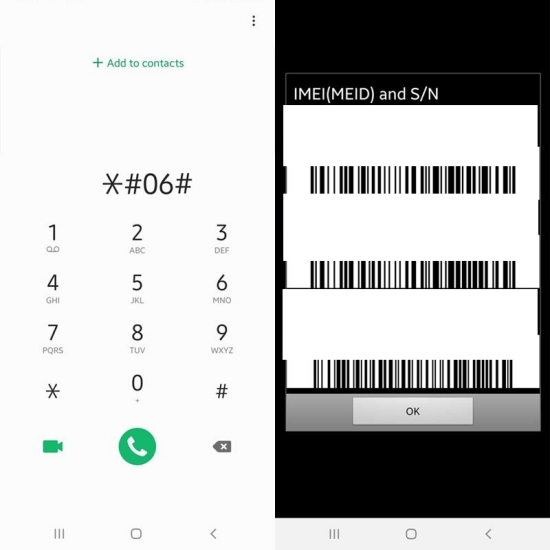
Retrieve the device's IMEI by dialing *#06#, or go to Settings > About Phone > Status > IMEI Information to find it.
Step 2 Ask for an Unlock Code
Call Straight Talk's unlock request line and let the representative know you want your device unlocked. They'll verify your account and device against their eligibility criteria and may ask for your IMEI.
Step 3 Wait for Your Unlock Code
Straight Talk sends unlock codes by email, usually within a day or two, though it can take longer depending on processing times. The email will include your code plus further instructions.
Step 4 Swap in a New SIM Card
Power off your phone, remove the Straight Talk SIM, and insert a SIM card from the carrier you're switching to.
Step 5 Power On and Trigger the Prompt
Turn your phone back on. Instead of loading your home screen as usual, it should ask you to enter an unlock code before it will recognize the new SIM.
Step 6 Enter the Code to Finish

Type in the code exactly as it appeared in your email, then confirm. Once accepted, your phone is free to use on the new carrier's network.
Part 3. More Ways to Unlock Straight Talk Phone
Beyond going through Straight Talk directly, you'll find plenty of third-party websites advertising instant carrier unlocking without needing to meet the standard eligibility rules. While a few of these may be legitimate, many are unreliable, charge upfront fees with no guarantee of success, and often request sensitive details like your IMEI or account information.
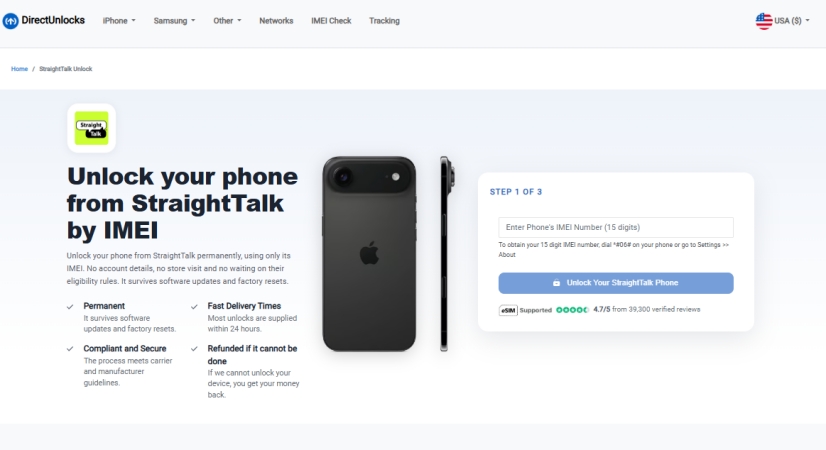
If you decide to explore this route anyway, it's wise to research the provider thoroughly first — read independent reviews on a platform like Trustpilot to see what real customers have experienced before handing over any payment or personal data.
Part 4. Extra Tip: Android Screen Lock Removal
Locked out of your own Android device because you forgot your PIN, pattern, or password? Or maybe you're stuck battling Google's FRP lock after a factory reset and can't seem to get past it no matter what you try. A tool like MagFone Android Unlocker can help get you back into your phone quickly.
MagFone Android Unlocker is built specifically to help users bypass stubborn screen locks and override Google's FRP protection without the usual hassle. It works across a wide range of Android brands and OS versions, and it's compatible with both Windows and Mac computers. Below is a simple walkthrough of how to put it to use.

MagFone Android Unlocker
Remove multiple kinds of screen locks on over 5000 Android devices and delete Google FRP lock without a password.
Step 1 Select the Screen Lock Removal Option
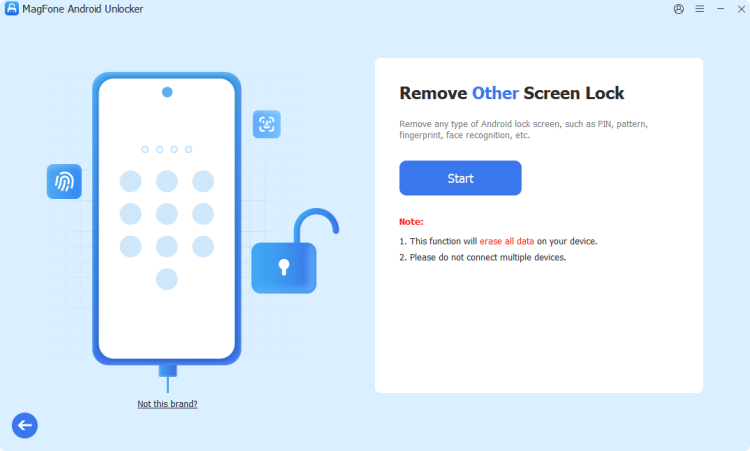
Download and set up MagFone Android Unlocker on your pc, then launch it. Plug your Android device into the computer using a USB cable, then pick the Remove Screen Lock feature from the home screen. Wait for it to detect your phone, then hit Continue to proceed.
Step 2 Enter Your Android into Recovery Mode
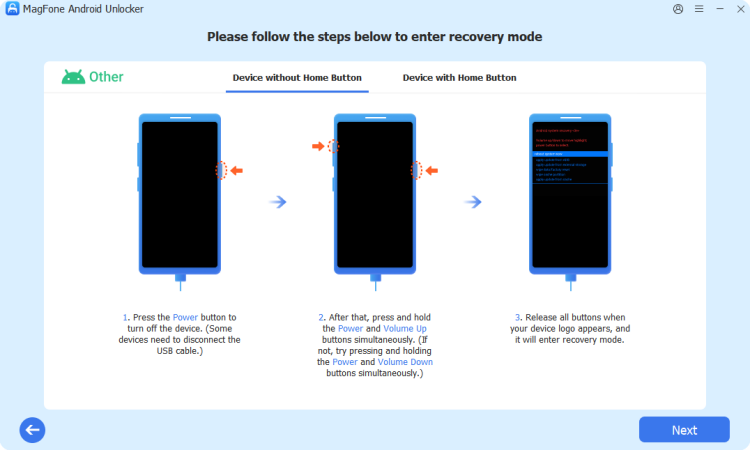
Once the tool starts the unlocking sequence, follow the prompts shown on your screen to boot your phone into recovery mode. The exact button combination varies by manufacturer and model, so pay close attention to the on-screen guidance. After successfully entering recovery mode, click Next and then Continue to move forward.
Step 3 Complete the Screen Lock Removal
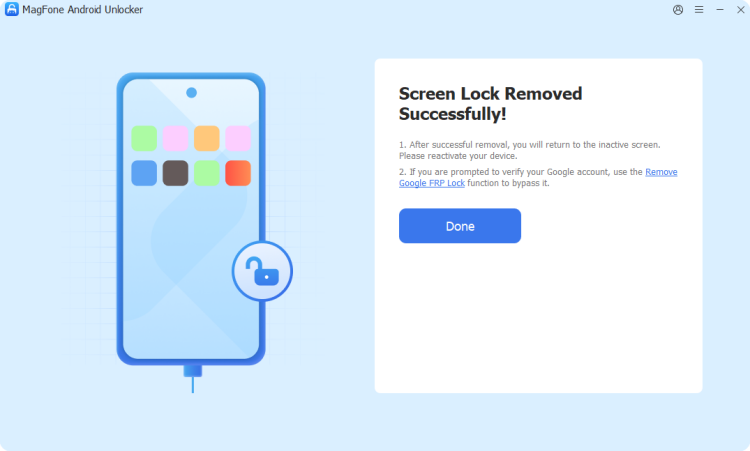
Continue following the instructions displayed to finish clearing the lock screen from your device. Once you've completed each on-screen step, return to the software and click Next. Leave your phone plugged in throughout the process until the tool confirms the unlock is complete.
Part 5. Conclusion
Unlocking a Straight Talk phone is entirely possible once you meet the carrier's requirements, and the official process, while it takes a bit of patience, is free and reliable. Steer clear of shady third-party services unless thoroughly vetted, and if you ever get locked out of your Android by a forgotten password or FRP lock, a tool like MagFone Android Unlocker offers a quick way back in.

Teresa Miller
Editor in chief




