








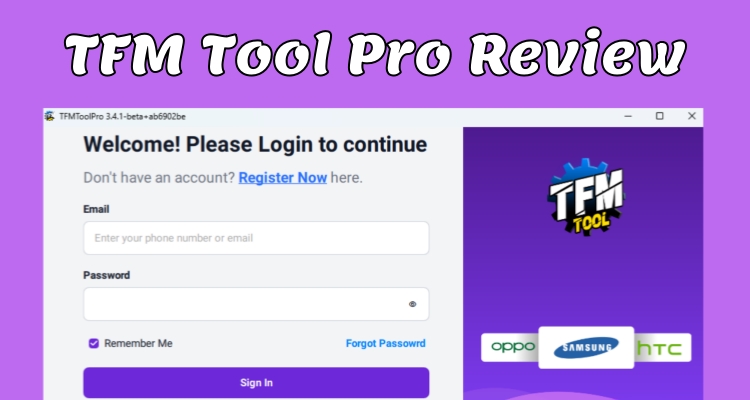
TFM Tool Pro is professional Windows software created for mobile technicians who need to repair, reset, unlock, and service Android phones across different brands and chipsets. If you are considering downloading a TFM Tool, this guide explains its functions, pricing, compatibility, benefits, and limitations. Here's a full review showing everything you need to know about TFM Pro Tool before choosing it.
- Part 1. TFM Pro Tool: What Are Its Main Features?
- Part 2. TFM Pro Tool: Where to Download It?
- Part 3. TFM Pro Tool: Should You Choose It?
- Part 4. Best FRP Bypass Alternative to TFM Pro Tool
- Part 5. Conclusion
Part 1. TFM Pro Tool: What Are Its Main Features?
TFM Tool Pro is not a free program in the strict sense. It works on a license model, meaning you can install and open the software without cost, but most of its repair functions only unlock once you buy activation credits from an authorized reseller.
As for safety, the tool is reasonably trustworthy as long as it's obtained from the official channel rather than a third-party mirror, since unofficial copies are the most common source of malware bundled with servicing tools like this one. Once activated, TFM Tool Pro brings together a wide toolkit for Android technicians:

1. Firmware Flashing
Helps technicians install compatible firmware to repair software issues, upgrade, restore, or recover supported devices affected by system errors.
2. FRP Reset
TFM Tool Pro offers FRP servicing functions for supported devices and Android versions, with compatibility depending on model, chipset, brand, and security patch.
3. Factory and Privacy Resets
Provides reset functions for supported devices, helping technicians perform factory resets or address certain software locks during phone servicing.
4. Network and Bootloader Functions
Depending on the model and software version, TFM Tool Pro may support network-unlock and bootloader-related servicing functions.
Part 2. TFM Pro Tool: Where to Download It?
TFM Tool Pro is a desktop application, not a browser extension or mobile app, so setup involves a proper installer file and driver package rather than a simple click-to-run experience. Below is where to get it and a few things worth double-checking beforehand.
01TFM Pro Tool Free Download
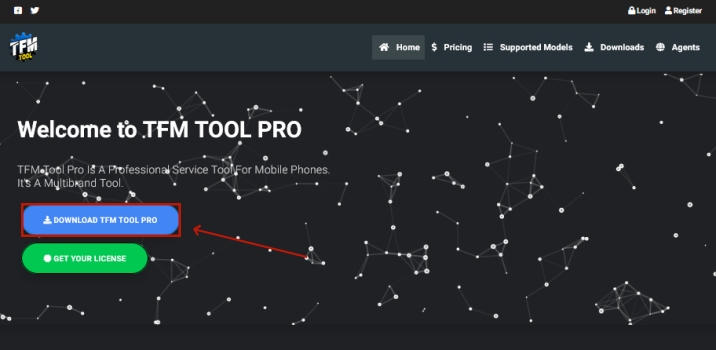
The safest place to grab the installer is the TFM official website, where the current build is offered alongside older releases in case a specific device needs an earlier version. The program is built for desktop use only, with support limited to Windows 8 and Windows 10, in both 32-bit and 64-bit editions.
02TFM Pro Tool Cracking Tips
TFM Tool crack refers to modified versions of the software distributed without a paid license, usually promising full functionality for free. These files are almost never worth the risk: cracked installers are a favorite delivery method for malware, and because the tool already requires direct access to your phone's system files, a compromised copy could do real damage to both your computer and any device you connect to it. Beyond the security concern, cracked builds also tend to lag behind official updates, so they're more likely to fail on newer phone models or Android versions.
Part 3. TFM Pro Tool: Should You Choose It?
Deciding whether TFM Tool Pro is the right pick for your workflow really comes down to two questions: does it actually support the devices you work on, and does it have a solid enough track record to trust with client phones? The next sections break both of those down.
01TFM Pro Tool Compatibility
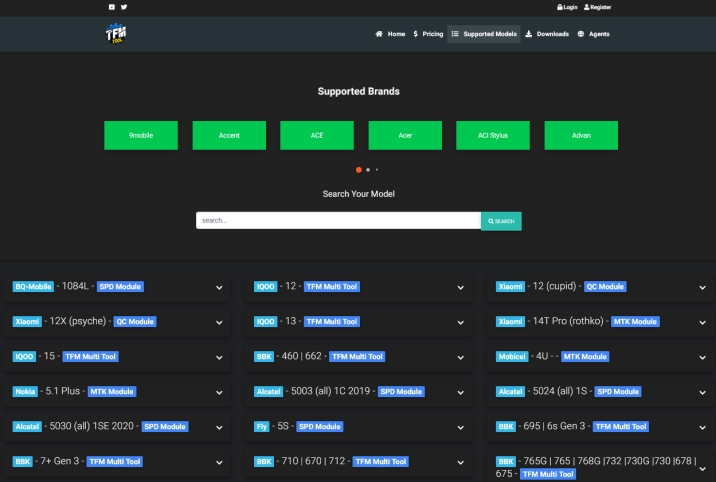
Because the tool's usefulness is entirely tied to which phones it can talk to, it's worth checking the supported device list before purchasing a license. TFM Tool Pro publishes its compatible brands and model ranges, so looking up your specific chipset or handset series ahead of time can save you from paying for a tool that won't actually work on the devices you handle most.
02TFM Pro Tool Reviews
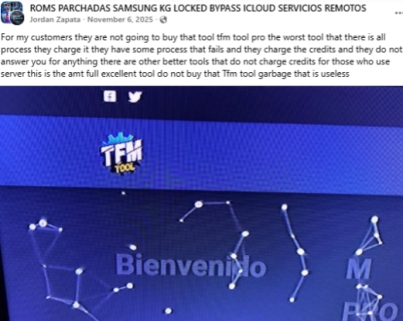
Independent review coverage for TFM Tool Pro is thin. There's essentially no presence on sites like Trustpilot, which makes it hard to get a broad, verified picture of user experience. Most of the feedback that does exist lives on Facebook groups aimed at mobile repair professionals, where some users describe it as one of the more capable multi-brand tools they've used.
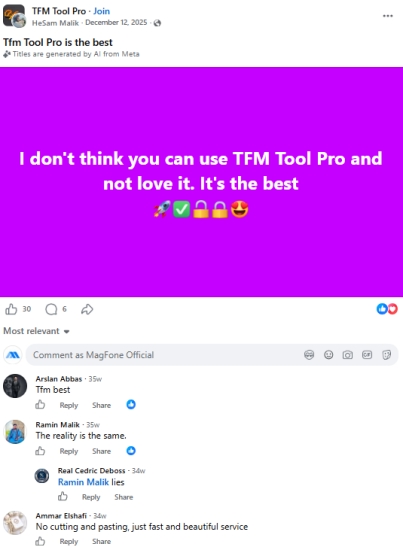
The same community threads also surface complaints, including operations that fail partway through and a customer support team that reportedly goes quiet once a purchase is made. These things are worth factoring in if you expect to need help troubleshooting a stuck process.
03TFM Pro Tool Pros and Cons
TFM Tool Pro can be a useful option for users who need a dedicated solution for Android servicing and repair tasks. Like any software, it has both positive and negative aspects that are worth considering before making a decision. The following overview highlights its main strengths and weaknesses in a simple way.
 Pros
Pros- Supports multiple Android brands.
- Works with major chipsets.
- Offers numerous repair functions.
- Provides frequent software updates.

- Requires a paid license.
- Windows-only software support.
- Compatibility varies by device.
- Some operations can fail.
Part 4. Best FRP Bypass Alternative to TFM Pro Tool
FRP removal is arguably the feature people search for most in TFM Tool Pro, but it isn't the only option on the market. MagFone Android Unlocker is a dedicated alternative built specifically around unlocking tasks, letting you clear a Factory Reset Protection lock in a handful of clicks rather than working through a full multi-purpose repair suite. It's aimed at users who just want the unlock done quickly. Here's how the process generally works.

MagFone Android Unlocker
Remove multiple kinds of screen locks on over 5000 Android devices and delete Google FRP lock without a password.
Step 1 Connect Your Phone and Open the Program
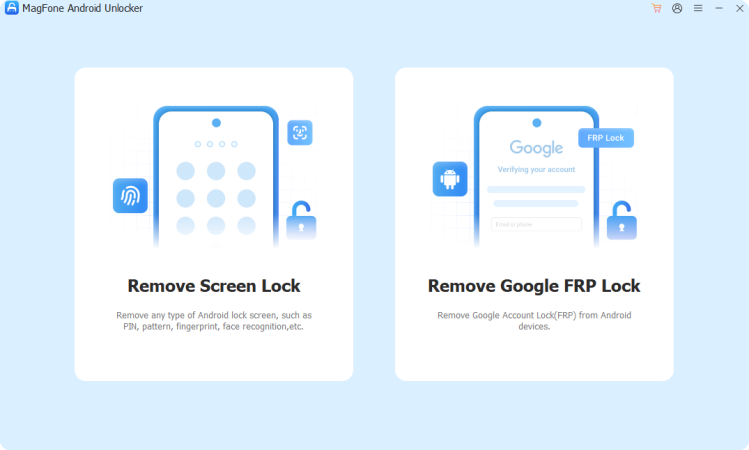
After installing the unlocker on your PC, launch it and plug your Android device in with a USB cable. From the home screen, pick the FRP removal option so the software can start scanning for your phone.
Step 2 Let the Software Read Your Device Details
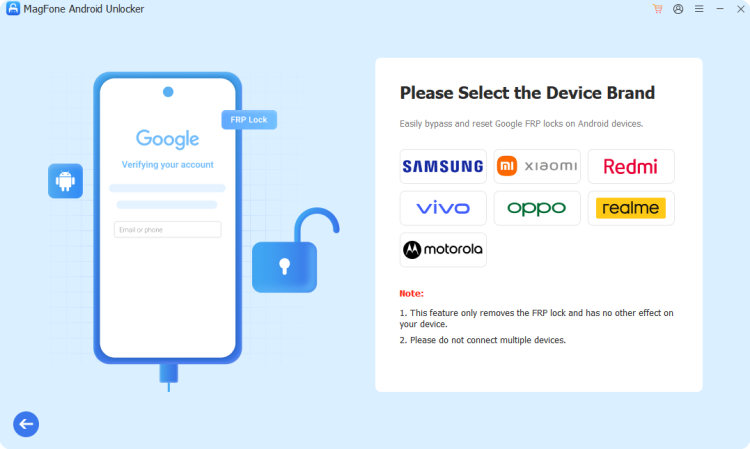
The program will usually pick up your phone's brand and Android version automatically. If it doesn't, you can select these manually from a list. Double-check that the details match your actual device before moving forward, since the unlock method depends on getting this right.
Step 3 Complete the Google FRP Unlock Process
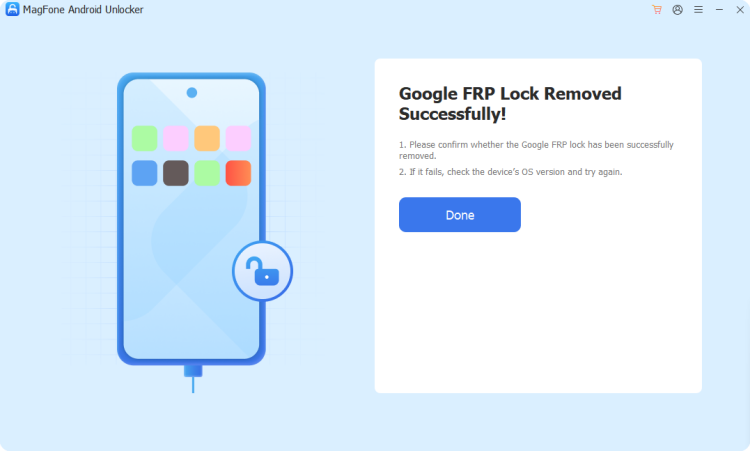
Once the process is finished, disconnect the device and restart your phone. Follow the final prompts to confirm the operation, and the FRP lock will be successfully removed.
Part 5. Conclusion
TFM Tool Pro is a capable, if imperfect, choice for technicians who need broad brand coverage and regular updates in one package, but its paid-only model, Windows-only support, and patchy customer service are real trade-offs. For anyone focused mainly on FRP removal, a simpler dedicated tool like MagFone Android Unlocker may be the faster, less complicated route.

Teresa Miller
Editor in chief





