








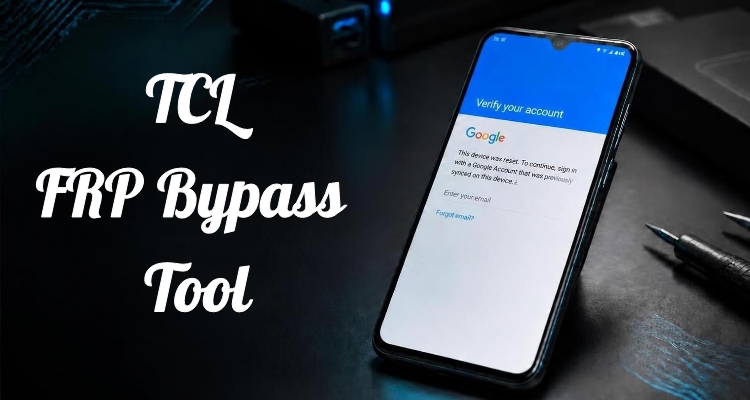
Getting locked out of your TCL phone by a Google FRP verification screen? It's one of the most frustrating walls a phone owner can hit, especially after a factory reset, a second-hand purchase, or a forgotten Google account. The good news? FRP isn't permanent. A compatible TCL FRP bypass tool may help you regain access to your phone. This guide explores the fastest, safest solutions to unlock your TCL device in 2026.
- Part 1. How to Choose TCL FRP Bypass Tools
- Part 2. Top TCL FRP Bypass Tools (2026 Test)
- Part 3. Notes for Using TCL FRP Bypass Tools
- Part 4. How to Bypass FRP on Other Brands
- Part 5. Conclusion
Part 1. How to Choose TCL FRP Bypass Tools
There are several routes around a TCL FRP lock. Manual methods can work, but they're slow, model-specific, and easy to mess up. A dedicated tool is faster and far more reliable. When picking one, look for broad TCL model support, a success-rate track record, and price.
| Tool | Supported Model | Supported Platform | Lowest Price |
|---|---|---|---|
| UnlockTool | Supports 54 TCL models | Windows only | $20 |
| VG Tool | Not specified | Windows only | Free version available |
| TSM Tool | Supports 129 TCL models | Windows only | $35 |
Part 2. Top TCL FRP Bypass Tools (2026 Test)
We tested a range of FRP removal tools against current TCL models to see which ones still deliver in 2026. Here are the three that stood out for speed, reliability, and ease of use.
01UnlockTool
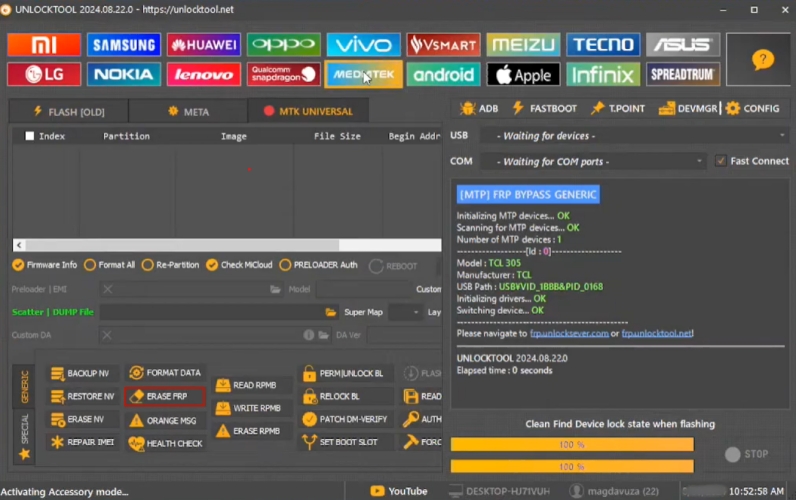
UnlockTool is a long-standing Windows-based unlocking suite popular among repair technicians. It handles TCL FRP bypass by exploiting known security gaps in specific firmware builds, often without needing a data cable swap. Beyond FRP removal, it also supports IMEI repair, firmware flashing, and screen lock removal across several Android brands.
 Pros
Pros- Supports many TCL models
- Also flashes firmware
- Frequent update releases
- Active technician user community

- Requires paid credits
- Steep learning curve
- Windows only support
- Some features need activation
02VG Tool
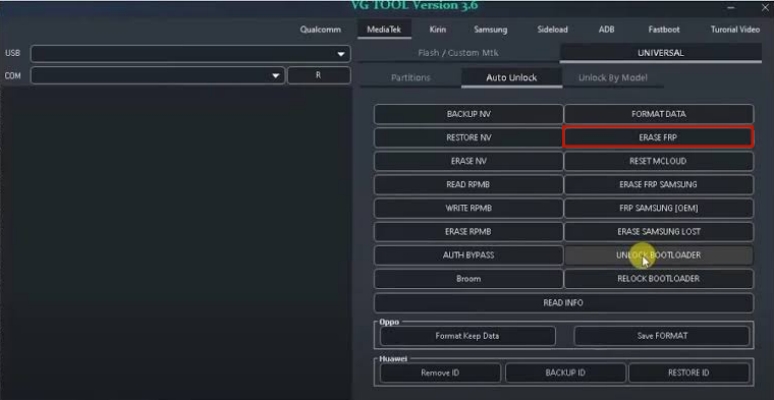
VG Tool is another credit-based Windows utility built primarily for MediaTek and Unisoc-based devices, which covers a large share of budget TCL phones. It removes FRP by rewriting partition data through a direct USB connection, bypassing the Google verification screen entirely. It also offers repair functions for IMEI, baseband, and bootloader issues.
 Pros
Pros- Strong MediaTek chipset support
- Fast bypass processing speed
- Good for budget TCL models
- Regularly updated device list
- Needs purchased activation credits
- Less beginner-friendly interface
- Occasional driver installation issues
- Limited official customer support
03TSM Tool
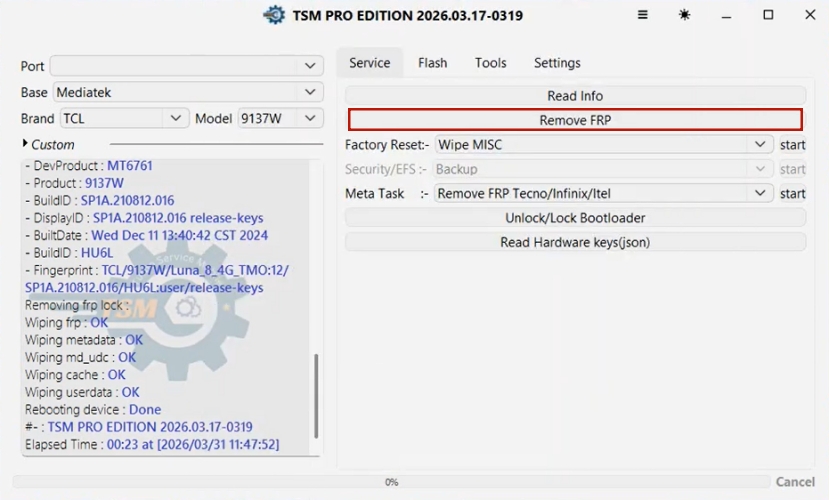
TSM Tool is a technician-oriented box/dongle software that's been adapted for software-only FRP bypass on select chipsets. It works by sending low-level commands to the device's processor, unlocking it before the FRP check loads. It also supports firmware backup, repair, and unlocking functions for various budget Android devices.
 Pros
Pros- Deep chipset-level access
- Works on older models
- Backup and repair tools
- Established technician reputation
- Smaller newer-model coverage
- Dongle or credits needed
- Interface feels outdated
- Not fully beginner-friendly
Part 3. Notes for Using TCL FRP Bypass Tools
Before trying any of these tools, it helps to weigh their drawbacks first. Most were built for repair professionals, not everyday users, so going in prepared will save time and frustration. Many tools require paid credits or activation codes to unlock full functionality.
Success rates vary by firmware version, so one method may fail where another succeeds.
Some require technical know-how, like installing drivers or entering diagnostic modes.
Antivirus software may flag these tools, since they manipulate system-level security.
Updates can break compatibility, so an older tool version may stop working suddenly.
Only use these methods on devices you legitimately own to avoid legal issues.
Part 4. How to Bypass FRP on Other Brands
TCL isn't the only manufacturer enforcing Google's FRP protection — Samsung, Motorola, Xiaomi, and most other Android makers lock devices the same way. Rather than hunting down a separate bypass method for every brand, MagFone Android Unlocker offers one tool that covers them all. Below is how to get MagFone Android Unlocker and use it for FRP bypass step by step.

MagFone Android Unlocker
Remove multiple kinds of screen locks on over 5000 Android devices and delete Google FRP lock without a password.
Step 1 Set Up MagFone on Your PC
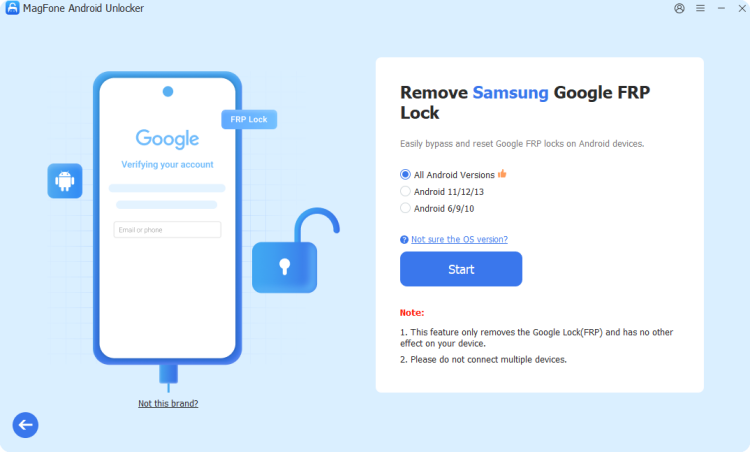
Grab MagFone Android Unlocker, install it, and open the application. Hook your Android device up to the computer via USB, then head to the main dashboard and select the FRP removal tool.
Step 2 Verify the Detected Device
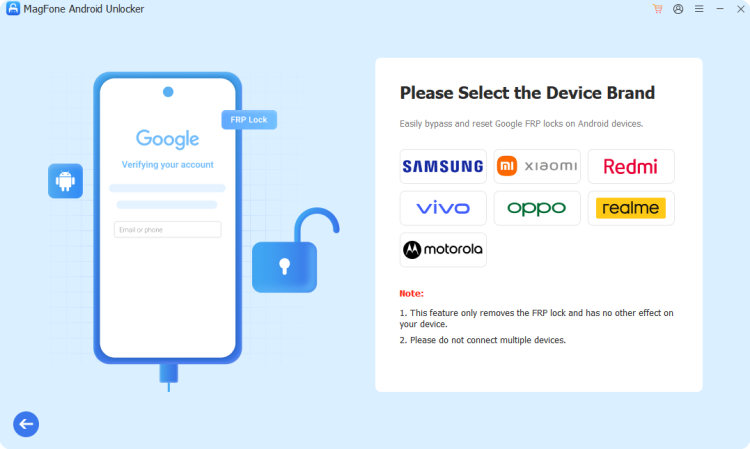
The software will take a moment to scan and recognize your phone's make and model on its own. Should it fail to pick up the device automatically, choose the correct brand and Android version yourself from the dropdown, confirm the details are accurate, and continue.
Step 3 Carry Out the FRP Removal
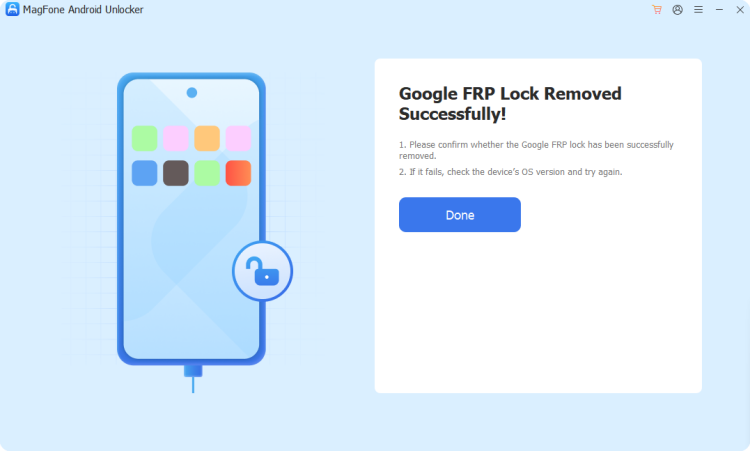
The program then walks you through device-specific instructions step by step. Work through each prompt on your phone and PC as they appear, and MagFone will notify you once the FRP lock has been cleared successfully.
Part 5. Conclusion
TCL FRP locks can be bypassed through dedicated tools like UnlockTool, VG Tool, and TSM Tool, each with its own strengths and limitations worth weighing first. If your device happens to be a Samsung, Motorola, or Xiaomi instead, MagFone Android Unlocker provides an easier, step-by-step option worth trying. Pick whichever approach best matches your phone and technical comfort.

Dylan Jones
Editor in chief




