








Getting locked out of your device or being unable to switch carriers is a frustrating experience. Whether you need a network unlock for Samsung to use a local SIM while traveling or you've forgotten your lock screen PIN, this guide provides a Samsung unlock codes list for free and introduces several methods to help you unlock a forgotten Samsung screen lock. Let's learn how to unlock Samsung phone with code or without a password.
- Part 1. Samsung Unlock Codes List for Free (For Models Pre-2015)
- Part 2. How to Unlock Samsung Phone with Code (Older Models)
- Part 3. How to Unlock Samsung Phone with Code (Newer Models)
- Part 4. How to Unlock a Forgotten Samsung Screen Lock
- Part 5. FAQs about Samsung Unlock Code
- Part 6. Conclusion
Part 1. Samsung Unlock Codes List for Free (For Models Pre-2015)
A Samsung unlock code is a numeric code used to remove a carrier's network restriction on your device. After entering the correct code, your phone becomes SIM-free and compatible with any supported network worldwide. Overall, there are three types of Samsung unlock codes.

NCK (Network Control Key)
The NCK is the primary Samsung network unlock code. It is a unique 8-digit or 16-digit number tied to your phone's IMEI. Its sole purpose is to remove the software restriction that ties your device to a specific carrier like AT&T or T-Mobile.
MCK (Master Control Key / Unfreeze Code)
If you or a previous owner entered an incorrect NCK too many times, the device will enter a "frozen" state to prevent brute-force attacks. In this scenario, the standard NCK won't work until you first enter the MCK to reset the attempt counter.
PGCK (Regional Keys)
Samsung often locks devices to specific geographic regions like the European Union or the Middle East. If you buy a phone in Germany and try to use it in the US immediately, you may require an RGCK to bypass the regional lock.
Understanding these code types helps you choose the correct solution and avoid unnecessary errors. Here is a Samsung unlock codes list, including 8-digit and 16-digit network unlock codes. But those Samsung unlock codes are only suitable for older Samsung models.
| Model | Unlock Code | Effect |
|---|---|---|
| Galaxy S4 | *2767*3855# | Factory reset |
| SGH-A800 & SGH-A40 | *2767*637# | |
| SGH-E400 & SGH-E500 | *2767*688# | |
| SGH-P207 | *2767*3855# | Factory reset and network unlock |
| SGH-2100 & SGH-R210 | *2767*3855# *2767*2878# | |
| SGH-V200 | *2767*7822573738# | |
| SGH-X100 | *#9998*3323# | Access service menu |
| J600 | #0111*UNLOCK# or #0149*UNFREEZE# | Network unlock attempt |
| Note 2 | *#7465625# | Displays lock status |
Part 2. How to Unlock Samsung Phone with Code (Older Models)
Samsung unlock codes are only useful work for previous 2015 Samsung models. Although a Samsung unlock code helps in unlocking SIM locks, it often triggers a full factory reset. To unlock an older Samsung device, just follow the tutorial below step by step.
01Unlock SGH-E400 with Samsung Unlock Codes
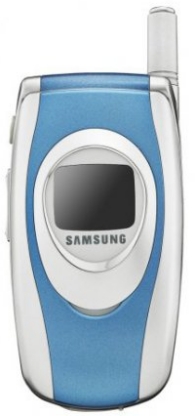
Step 1. Insert the SIM card and turn on your Samsung device.
Step 2. Type *2767*688# and press Exit.
Step 3. Turn off the device and insert another SIM card.
Step 4. Turn on the device and type 00000000.
Step 5. Reboot the device and type #*7337#.
02Unlock SGH-X100 with Samsung Unlock Codes
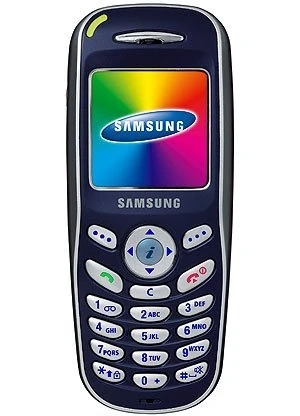
Step 1. Turn on your Samsung device after inserting the SIM card.
Step 2. Type *#9998*3323# and press Exit.
Step 3. Choose #7 from the menu and reboot the device.
Step 4. Type *0141# and press Call.
Step 5. Switch off the device and insert another SIM card.
Step 6. Switch on the device and type 00000000.
Step 7. Reboot the device and type #*7337#.
03Unlock SGH-2100 with Samsung Unlock Codes
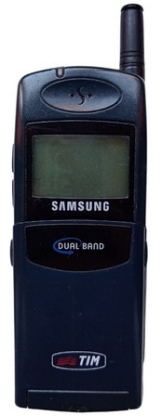
Step 1. Enter *2767*3855# *2767*2878#.
Step 2. Wait for your Samsung device to reboot automatically.
04Unlock Samsung J600 with Samsung Unlock Codes
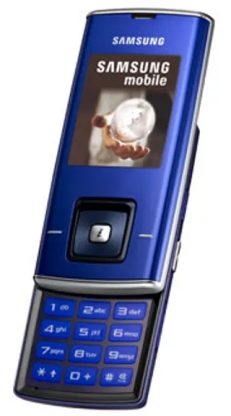
Step 1. Enter #0111*UNLOCK# or #0149*UNFREEZE#.
Step 2. Reboot your Samsung device to unlock the SIM lock.
05Unlock SGH-P207 with Samsung Unlock Codes
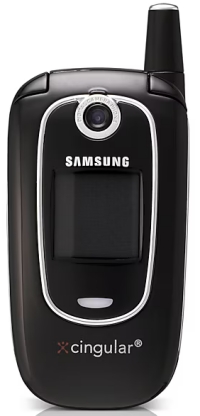
Step 1. Type *2767*3855# to factory reset your Samsung device.
Step 2. Insert an unaccepted SIM card, then turn on the device.
Step 3. Enter *#9998*3323# and tap the soft key on the right corner.
Step 4. Scroll through the Malloc Fail option in the menu.
Step 5. Enter *0141# and dial, then restart the device.
Step 6. Tap the left soft key to go back to the menu.
Step 7. Tap 7 - Security > 6 - SIM-Lock > 1 - Disable.
Step 8. Enter 00000000 to unlock the SIM lock.
06Unlock SGH-A800 with Samsung Unlock Codes
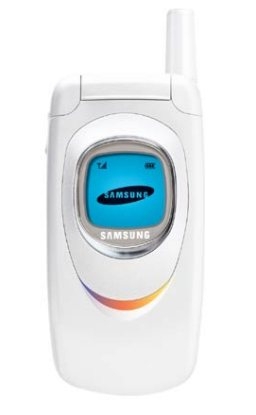
Step 1. Type *2767*637# on your Samsung device.
Step 2. Wait for the device to automatically reboot.
07Unlock SGH-V200 with Samsung Unlock Codes
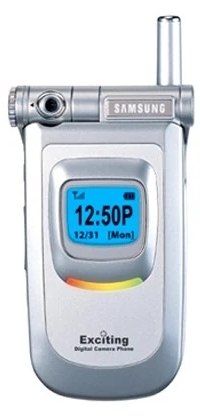
Step 1. Type *2767*7822573738# and wait for your device to reboot.
Step 2. Start to use another network.
08Unlock SGH-A400 with Samsung Unlock Codes
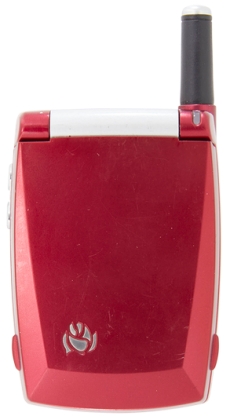
Step 1. Insert the SIM card and turn on your Samsung device.
Step 2. Type *2767*637#, then the device will reboot.
09Unlock SGH-E500 with Samsung Unlock Codes
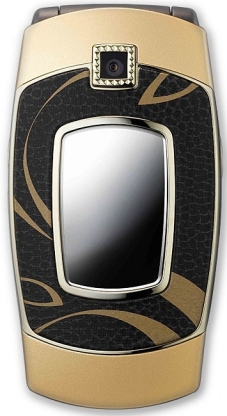
Step 1. Insert the SIM card, type *2767*688#, and hit Exit.
Step 2. Type #*7337#.
10Unlock SGH-R210 with Samsung Unlock Codes
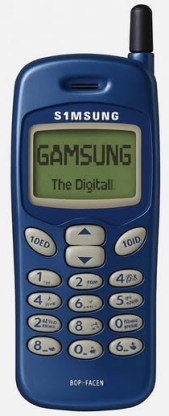
Step 1. Type *2767*3855# *2767*2878# on your Samsung device.
Step 2. Wait for the device to reboot automatically.
Part 3. How to Unlock Network-Locked Samsung Phone (Newer Models)
Reasons such as knox security enhancements, carrier-specific encryption, and IMEI-based authentication cause Samsung unlock codes not to work on newer Samsung devices. It doesn't matter. Here are methods to get a Samsung unlock code, then enter it to unlock the device.
3.1 How to Get Free Unlock Codes for Samsung
Carriers provide unlock codes for free if your Samsung device has been fully paid off. Besides, it has been active on the carrier's network for a certain period and it is not reported lost, stolen, or fraudulent. Then get a Samsung unlock with the following steps.
Step 1. Contact your carrier via hotline, live chat, or app.
Step 2. Provide your Samsung device's IMEI number.
Step 3. Receive the unlock code and instructions.
3.2 How to Enter a Network Unlock Code for Samsung
Once you have your Samsung unlock code, you can directly enter it on your Samsung device to unlock the SIM lock. Follow these steps below carefully.
Step 1. Power off your Samsung device completely.
Step 2. Insert the SIM from the carrier you want to use.
Step 3. Turn the device back on and wait for the prompt.
Step 4. Type the unlock code exactly as given and tap Unlock.
Part 4. How to Unlock a Forgotten Samsung Screen Lock
A Samsung unlock code helps to unlock a Samsung device with the SIM lock from the carrier. But if you're run into issues such as forgotten screen passwords, FRP lock, or too many failed unlock attempts, MagFone Android Unlocker offers a software-based solution. It is designed to remove different types of locks on Samsung devices without needing the original credentials or carrier assistance. Unlike a Samsung network unlock code, which removes carrier restrictions, MagFone primarily focuses on device-level locks and FRP issues. Here's how to unlock a Samsung phone using MagFone Android Unlocker.

MagFone Android Unlocker
Remove multiple kinds of screen locks on over 5000 Android devices and delete Google FRP lock without a password.
Step 1 Connect Samsung Device and Run MagFone
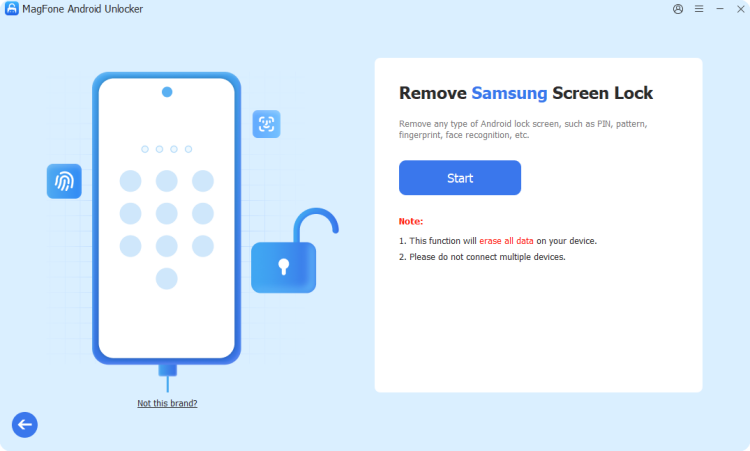
Download and install MagFone Android Unlocker on your computer, then open it. Choose Remove Screen Lock from the main interface. Use a USB cable to connect your Samsung phone.
Step 2 Boot Samsung Device into Recovery Mode
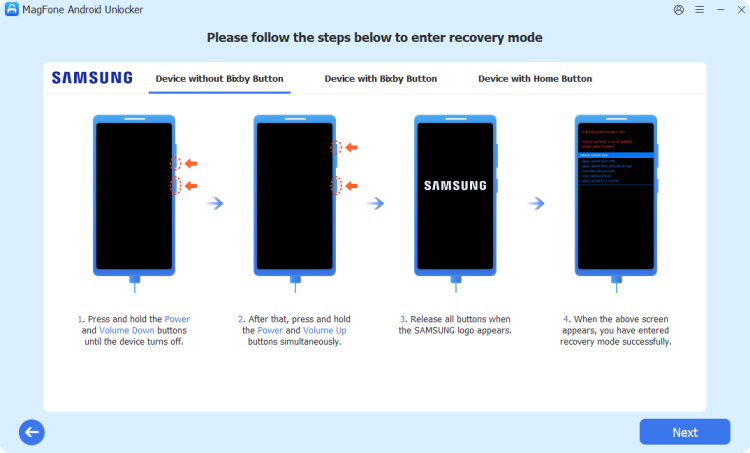
After the device is detected by the software, you'll see the onscreen instruction to boot the device into recovery mode. Follow the steps to enter recovery mode, then click Next > Continue.
Step 3 Unlock Samsung Device without Password
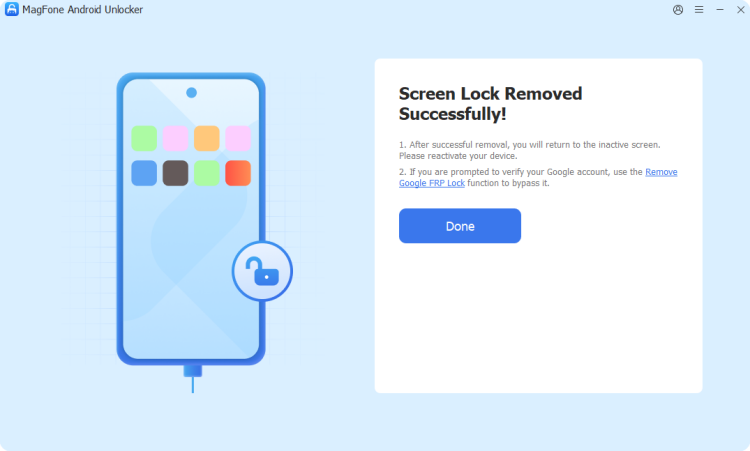
Continue to follow onscreen instructions to remove the screen lock on the device. After that, go back to the screen on your computer, then click Start Unlock to complete the unlocking process.
Part 5. FAQs about Samsung Unlock Code
Is it legal to unlock my Samsung phone with a code?
Yes, as long as the device is paid in full, carriers are legally required to assist with unlocking. But if your device doesn't meet the unlocking requirements, you cannot unlock a Samsung phone.
Will an unlock code wipe my data?
A network or SIM unlock will not affect your data unless you use some free Samsung unlock codes. However, most screen-unlocking methods, including factory resets or third-party software will erase device data unless a backup is available.
Can I unlock a phone that is still being financed?
Generally, no. As of the January 2026 policy updates, carriers like Verizon and AT&T strictly require the device balance to be $0 before they will authorize an unlock.
What if I bought my Samsung phone second-hand?
You will need to contact the original owner to have them request the unlock, or use a verified third-party service if the carrier refuses to help.
Part 6. Conclusion
A Samsung unlock code provides a reliable and safe way to remove network restrictions and enjoy the freedom of using any carrier. Whether you get it from the original carrier or through some online free sources, following the proper steps above ensures a smooth and secure unlock experience. If your Samsung phone is locked by screen or FRP locks, try using MagFone Android Unlocker. Then you can get into the device without any limitation.

Teresa Miller
Editor in chief





