








Omegle was a random video-chat platform that connected strangers for online conversations. During WebRTC-based chats, connection information such as an IP address could potentially reveal an approximate location, including a country or city. This is where an Omegle IP locator became useful for understanding connection details. Although Omegle itself closed in 2023, similar tools now work with Omegle-like services. Here is everything you need to know about the Omegle IP Locator extension, including its features, privacy, usage, and limitations.
- Part 1. What Is Omegle IP Locator Extension?
- Part 2. How to Use Omegle IP Locator Extension
- Part 3. Feedback on Omegle IP Locator Extension
- Part 4. Omegle IP Locator vs. MagFone Location Changer: Which Is Better?
- Part 5. Conclusion
Part 1. What Is Omegle IP Locator Extension?
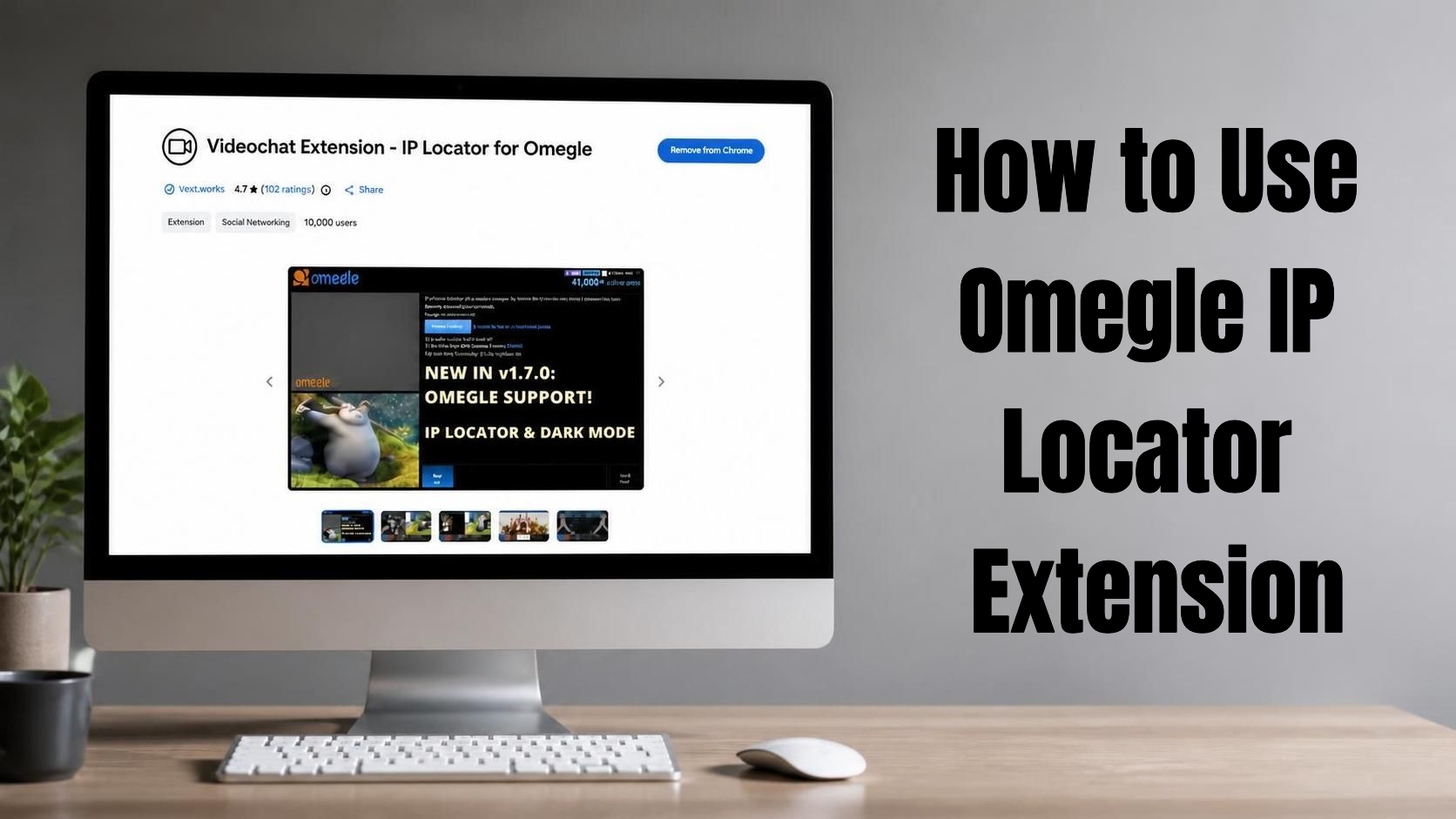
The Omegle IP Locator extension, currently listed as Videochat Extension - IP Locator for Omegle, was created as a browser tool for WebRTC-based random video-chat websites. The Chrome listing shows that it was first released in 2021 and was updated to version 4.1.7 on February 24, 2026. It is free to install, though some users report that certain advanced features require a payment.
01Omegle IP Locator Features
The extension combines IP-related information with location detection and several tools designed for random video-chat websites. Its Chrome Web Store description highlights WebRTC monitoring, map-based location information, automation, filtering, and customization features for services similar to Omegle. Here are some:
IP and WebRTC information: Displays connection-related details available through WebRTC.
Location detection: Estimates a user's approximate geographic location.
Map view: Presents detected location information visually.
VPN detection: Can flag connections that appear to use a VPN.
City search: Helps users search for people by location on supported platforms.
Automatic skipping: Provides filters for skipping users based on selected criteria.
Blacklist controls: Allows users to configure automated skipping preferences.
OBS integration: Provides options aimed at streamers and content creators.
TTS and sound alerts: Adds notification and customization options.
Site compatibility: Designed to work across various WebRTC-based random video-chat websites.
02Omegle IP Locator Privacy
Because this extension deals with IP and location-related information, privacy is an important consideration. The developer has stated through the Chrome Web Store that it does not collect or use users' data and does not sell or transfer data for purposes unrelated to its core functionality. Here are some key privacy points:
- Developer disclosure: No collection or use of user data is declared.
- No data selling: The developer says data is not sold to third parties.
- Core-function limitation: Data is not declared to be used for unrelated purposes.
03Omegle IP Locator Support
The extension provides a support site for questions, suggestions, and technical problems. If the extension stops detecting locations or behaves differently after a browser update, you can use the official listing and support channel.
Part 2. How to Use Omegle IP Locator Extension
Using the Omegle IP Locator extension generally involves installing it through Chrome, opening a compatible WebRTC video-chat website, and activating the extension from the browser toolbar. Since Omegle is no longer available, the process should be tested on a currently supported Omegle-like platform instead of the original Omegle website.
Step 1. Open Chrome on your computer and go to the Chrome Web Store.
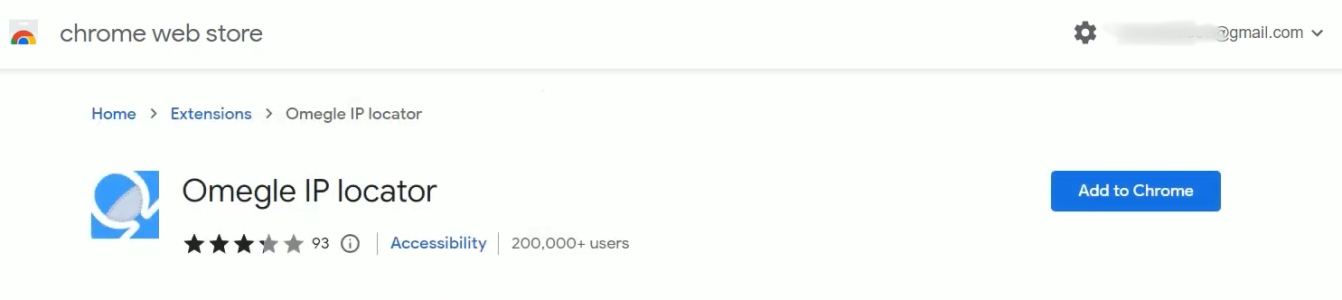
Step 2. Search for "Omegle IP Locator" in the search bar and locate the extension in the results.
Step 3. Click the Add to Chrome button, then confirm the installation by choosing "Add Extension" in the pop-up window.
Step 4. Click the puzzle-piece icon in your toolbar, find the extension, and click the pin icon to keep it visible.
Step 5. Open a currently supported Omegle-like video-chat platform, start a random chat session, and wait until you're connected with a stranger.

Step 6. Click the Omegle IP Locator icon in your toolbar to scan the active connection for location data.
Step 7. View the popup results showing the approximate city or region tied to the other user's IP address.
Part 3. Feedback on Omegle IP Locator Extension
The Chrome Web Store currently shows a 4.7/5 rating with around 902 ratings, although the number can change as new reviews are submitted. Many users praise the extension for being easy to use, detecting locations, and working well with OmeTV and similar video-chat platforms. Some reviewers describe it as useful and effective for identifying country or location information.

However, the feedback is not entirely positive. Some reviewers say the IP address does not appear as expected, while others report compatibility problems or say the extension stopped working. There are also user reports claiming they were banned from platforms after using the extension. These are individual reports, not proof that the extension itself automatically causes a ban.

Based on real user feedback, the main pros and cons can be summarized as follows:
 Pros
Pros- Free to use
- Easy to access
- Useful location detection
- Works with similar platforms

- Location results aren't always accurate
- IP address may not be accurate
- Browser compatibility can vary
- Platform ban reports exist
Part 4. Omegle IP Locator vs. MagFone Location Changer: Which Is Better?
The main difference is that Omegle IP Locator is primarily designed to detect and display network/location information, while MagFone Location Changer is designed to change the GPS location reported by an iPhone or Android device. They therefore solve different problems rather than serving as direct substitutes.
| Feature | Omegle IP Locator | MagFone Location Changer |
|---|---|---|
| Main purpose | Detect IP/location information | Change device GPS location |
| Platform | Chrome browser | Windows/Mac with iPhone/Android |
| IP information | Yes, on supported sites | No |
| GPS changing | No | Yes |
| Location detection | Yes | Not its primary purpose |
| WebRTC tools | Yes | No |
| Movement simulation | No | Yes |
| Route planning | No | Yes |
| Multiple devices | Browser-based | Up to 10 devices |
| Free access | Free | Free trial available; full features are paid |
MagFone Location Changer focuses on modifying the location reported by compatible mobile devices rather than identifying another user's IP address. According to its official documentation, it supports iOS and Android devices, offers one-click location changes, and includes additional modes for simulated movement. It can also connect through USB or Wi-Fi and supports route customization and multiple-device management. Here's how to use it.

MagFone Location Changer
Easily change your GPS location on iOS and Android devices to anywhere with one click, while not requiring root or jailbreaking!
Step 1 Link Your Device and Launch the Software
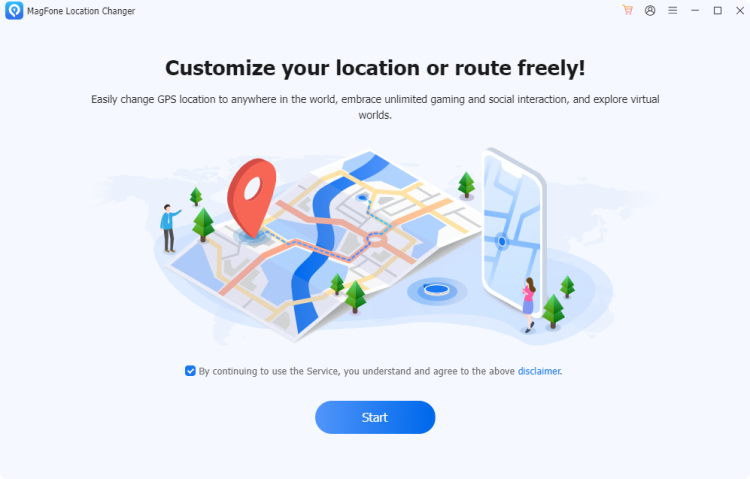
Plug your smartphone into your computer via USB, ensuring Developer Mode has already been enabled on the device beforehand. Once connected, open Magfone Location Changer on your desktop, choose the location-simulation feature from the main dashboard, and hit the start button to kick off the process.
Step 2 Set a New Location on Your Device
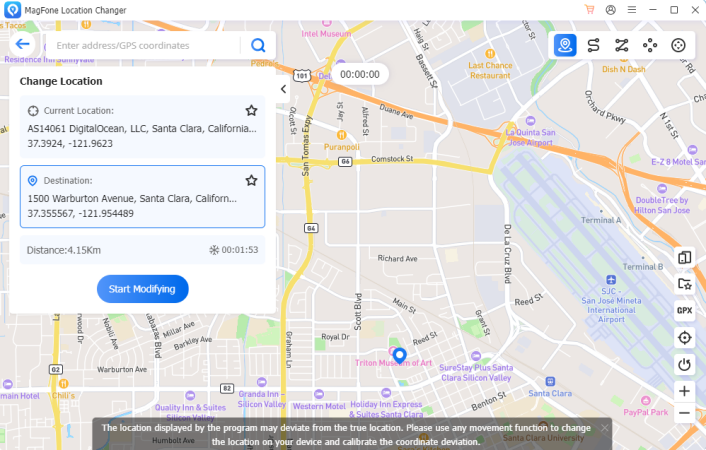
Browse the interactive map to locate your desired destination, or simply enter an address for instant navigation there. Once you've settled on the spot, click the confirmation button to apply it, and your phone's GPS signal will instantly update to reflect the newly chosen position.
Part 5. Conclusion
Omegle IP Locator can provide useful WebRTC and approximate location information on supported random video-chat platforms, but its results may vary in accuracy and compatibility. Since Omegle is no longer available, users should rely on compatible alternatives and review privacy considerations. For changing your own device location, MagFone Location Changer offers a different solution.

Edgar Davis
Editor in chief





